Most “best CMS for SEO” guides are solving the wrong problem. They compare plugin counts, drag-and-drop editors, and feature checklists while ignoring the question that determines whether organic visibility survives: how quickly can your team publish a technically correct change, verify it, and reverse it when something breaks?
Platform choice still matters, but execution matters more. A fast WordPress site can outperform a badly implemented headless build. A constrained Shopify store can beat a flexible Drupal installation that takes months to update. A static or server-rendered frontend can produce exceptionally clean HTML, yet become an SEO liability if editors can't get content and schema changes deployed without waiting in a development queue.
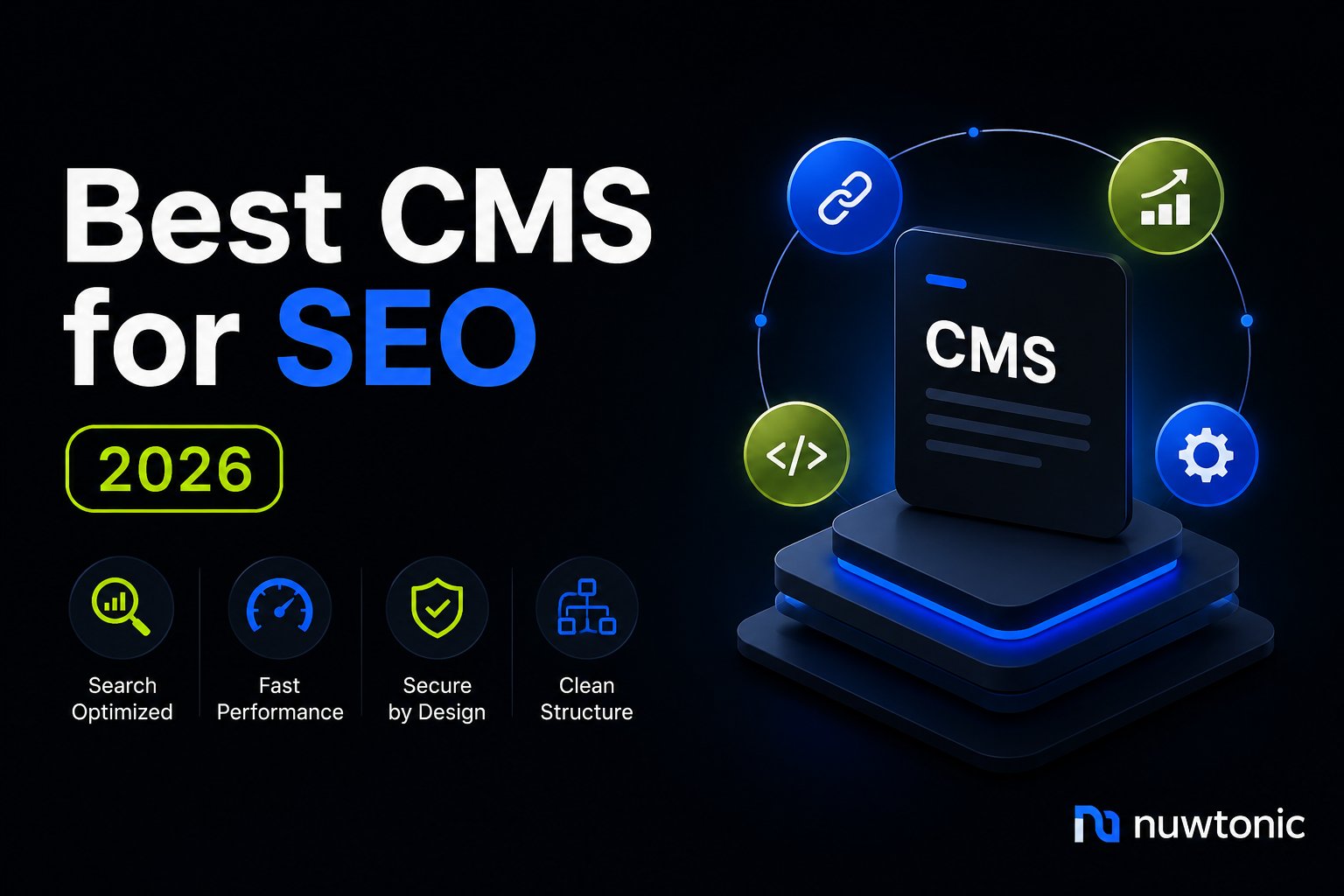
The practical definition of a CMS for SEO in 2026 is therefore operational. It must expose crawlable HTML, support reliable metadata and structured data, protect performance, integrate with your audit workflow, and let the people responsible for search act before a technical issue becomes a ranking problem.
Table of Contents
- Why CMS Choice Matters Less Than You Think
- Technical SEO Criteria That Actually Move Rankings
- Platform Evaluation WordPress Shopify Drupal Next.js and Webflow
- Choosing the Right CMS for Your Team and Velocity
- Optimizing Your CMS for Technical SEO Performance
- CMS Architecture for AI Search Visibility and Structured Data
- Migration Strategies and Integration Workflows
Why CMS Choice Matters Less Than You Think
Does the CMS still determine SEO success? Usually, no. The platform creates constraints, but rankings are more often affected by whether your team can maintain indexable templates, publish useful content, fix internal linking, and keep performance stable.
WordPress remains the dominant CMS in 2026, powering 40.8% of all websites and holding 59.0% of the CMS market, according to W3Techs' CMS market data. Its historical growth also shows why WordPress conventions still shape the broader SEO ecosystem. W3Techs records WordPress at 23.3% of CMS usage in 2017, 32.7% in 2021, 38.3% in 2023, 43.1% in 2025, 43.4% in January 2026, and 43.3% in August 2026.
That scale makes WordPress globally relevant, but market share doesn't make it automatically efficient. The same platform can deliver clean templates and rapid publishing, or generate plugin conflicts, duplicate archives, bloated markup, and inconsistent canonicals. The difference is governance.
The three questions that matter
A useful CMS evaluation starts with operational questions:
- Can your team deploy fixes quickly? If a template exposes the wrong canonical or a migration creates broken internal links, waiting through a long ticket queue creates unnecessary risk.
- Does the platform fit your SEO automation stack? Your CMS should accept controlled metadata, content, schema, sitemap, and redirect updates through dependable workflows.
- Can it support machine-readable content at scale? Search engines and AI systems need accessible HTML, consistent entities, and structured signals, not merely attractive editing screens.
Independent 2026 coverage reinforces this distinction. In an analysis of 524 domains, WordPress powered 20.0% of top-ranking domains, while sites with no detectable off-the-shelf CMS formed the largest category at 28.4%. Next.js reached 13.7%, up from 2.4% in 2024, and Adobe Experience Manager reached 10.3%, up from 1.3%, according to MaintainTouch's CMS analysis.
Practical rule: Choose the platform your team can operate correctly every day, not the platform with the longest feature list.
A good starting point is this practical guide on how to pick a CMS, but apply its criteria to your actual release process. Ask who owns schema changes, who validates rendered HTML, who controls redirects, and how quickly a fix reaches production. Those answers will tell you more about SEO risk than a product comparison chart.
Technical SEO Criteria That Actually Move Rankings
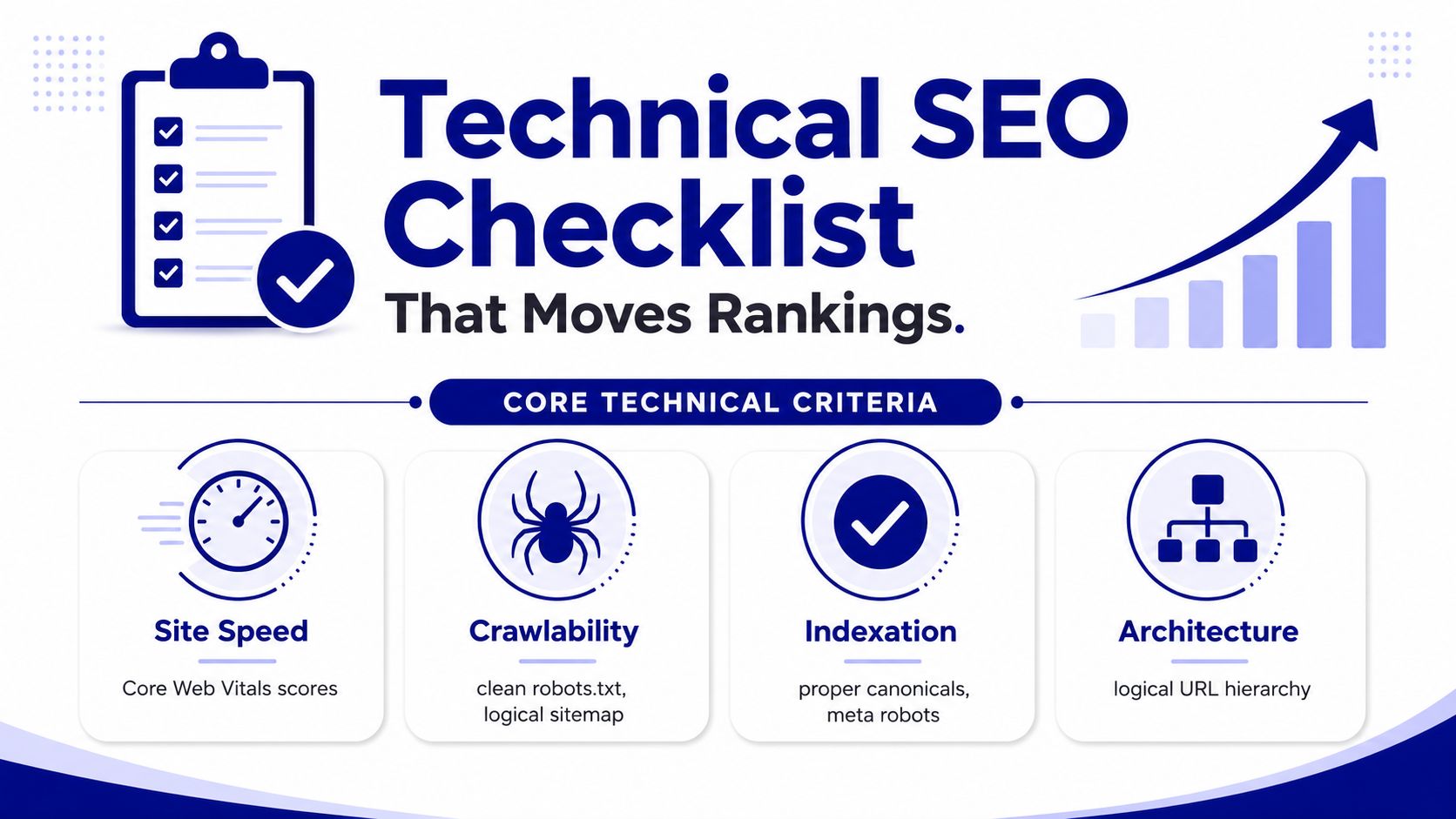
A CMS becomes an SEO problem when it prevents search engines from receiving a stable, complete, and efficient version of the site. The important criteria are not abstract features. They're the controls that determine what crawlers fetch, what gets indexed, and how users experience the page.
Rendering and performance
Server-side rendering, static generation, and incremental static regeneration give search engines meaningful HTML in the initial response. Pure client-side rendering creates a weaker dependency chain because Googlebot crawls initial HTML first and renders JavaScript later. If the title, canonical, internal links, body copy, or JSON-LD only appears after browser execution, discovery and indexing can be delayed or become unreliable.
Check the raw response and the Googlebot-rendered HTML, not only the visible browser DOM. A page may look complete to a user while delivering an empty shell to a crawler.
Performance also needs a measurable standard. Google recommends LCP under 2.5 seconds, INP under 200 milliseconds, and CLS under 0.1 for a good user experience, as documented in Google's Core Web Vitals guidance. CMS themes that load large JavaScript bundles, inject third-party scripts, or delay critical CSS make those thresholds harder to meet.
For implementation detail, use this guide to improve Core Web Vitals, then test both templates and representative content types. One optimized homepage doesn't prove that product, category, author, and article templates perform well.
Metadata and indexation controls
Your team needs field-level control over:
- Titles and descriptions: Templates should generate sensible defaults while allowing editors to override important pages.
- Canonicals: The CMS must produce one intentional canonical per indexable URL, without canonicalizing filtered or localized pages to the wrong destination.
- Robots directives: Editors and SEO specialists should be able to control index and follow behavior without editing theme files.
- Hreflang: International templates need consistent alternate URLs, language codes, and return references.
- Structured data: Schema should come from content fields and remain valid when editors update the page.
Crawl efficiency and architecture
A scalable CMS creates logical URL patterns, clean XML sitemaps, predictable pagination, and useful internal links. It shouldn't generate indexable tag combinations, attachment pages, search results, tracking parameters, or faceted URLs without a deliberate policy.
Redirect tools also matter. A migration or slug change that creates chains, loops, or stale destinations can waste crawl activity and weaken user journeys. Test the generated sitemap against canonical URLs, status codes, and indexability. Then crawl the site as a search engine would, with JavaScript disabled and enabled, so you can identify both response-level and rendered failures.
Platform Evaluation WordPress Shopify Drupal Next.js and Webflow
No platform wins every operating model. The right choice depends on whether your team prioritizes editorial autonomy, commerce constraints, enterprise governance, frontend performance, or visual publishing speed.
| Platform | SEO Velocity Strengths | Technical Friction Points | Best Use Case |
|---|---|---|---|
| WordPress | Broad plugin ecosystem, familiar editorial workflows, flexible templates | Plugin conflicts, database bloat, inconsistent schema ownership, maintenance overhead | Content-led sites, agencies, and teams needing frequent publishing |
| Shopify | Fast commerce setup, stable hosting, product-oriented workflows | Fixed URL conventions, app dependency, limited control in some templates | Stores that value dependable commerce operations over total frontend freedom |
| Drupal | Strong taxonomy, permissions, content modeling, enterprise governance | Developer dependence can slow SEO changes | Complex organizations with structured content and engineering support |
| Next.js | Server rendering, static generation, API flexibility, performance control | Separate frontend and content layers, deployment complexity, JavaScript implementation risk | Product-led and content-heavy sites with capable engineering teams |
| Webflow | Fast visual publishing, accessible editor experience, low deployment friction | Less granular control for some advanced SEO patterns, hreflang workarounds | Marketing sites with moderate technical complexity |
WordPress
WordPress is often the fastest route to a correct SEO change because editors, agencies, and developers already understand its workflows. That flexibility becomes a liability when every plugin adds head markup, scripts, database queries, or overlapping schema. Keep one clear owner for metadata and structured data, disable unused archive types, and treat plugins as production dependencies that require testing.
Shopify
Shopify removes much of the infrastructure burden and works well for teams that need product, collection, and checkout operations to remain stable. Its locked-down architecture also creates friction. URL structure follows platform conventions, and advanced functionality may depend on apps that inject code or modify templates. Before choosing it, audit collection canonicals, faceted navigation, pagination, and app-generated scripts. The technical SEO guide for Shopify is useful when those commerce-specific constraints are central to the project.
Drupal and Next.js
Drupal suits organizations with complex taxonomies, permissions, and relational content models. Its weakness is often not capability but staffing. If every canonical, schema, or template adjustment requires a specialist developer, SEO velocity falls.
Next.js offers strong control over server-rendered and statically generated output. It doesn't automatically produce good SEO, though. Teams must maintain the frontend, CMS, deployment pipeline, preview environment, caching, redirects, and schema logic. A headless setup is powerful when engineers can own those systems, and unnecessarily expensive when marketers need independent publishing.
Webflow
Webflow can accelerate design-led marketing work and reduce deployment friction for teams that don't need customized architecture. Its limits appear with complex internationalization, advanced relationships, and highly automated schema. Use it when its publishing model matches the site, not because visual editing is SEO-friendly.
For agencies comparing governance, editing, and scalability across client environments, this resource on a CMS that scales for agencies adds a useful operational perspective. The best platform is the one your delivery model can support without turning routine SEO into bespoke engineering.
Choosing the Right CMS for Your Team and Velocity
Feature parity is a poor selection method because two teams can use the same CMS with completely different results. Start by documenting who publishes, who approves, who codes, and who owns incident response. Then test how that team handles ordinary SEO work before committing to an architecture.
Score the work, not the software
Create a small staging test using real templates and ask the team to complete these tasks:
- Update a page title and meta description.
- Add or revise an internal link across a content group.
- Deploy Article, Product, FAQ, or Organization schema.
- Create a redirect after changing a slug.
- Modify robots rules and regenerate the XML sitemap.
- Inspect the server response and rendered HTML.
Record the time from approved change to verified production output. Also record how many people must be involved, whether code review is required, and whether the change can be rolled back. A platform that looks technically advanced but takes weeks to complete basic SEO work may be the wrong platform for a fast-moving team.
The meaningful velocity score is not “easy to use.” It's the elapsed time between identifying an issue and confirming that the corrected HTML is live.
| Team Profile | Recommended CMS | Key Constraint | Velocity Score |
|---|---|---|---|
| Marketing-led team with limited development access | WordPress or Webflow | Advanced schema and international SEO may need specialist support | High for routine publishing |
| Commerce team managing a product catalog | Shopify | URL and template constraints require careful app governance | High for standard commerce work |
| Enterprise team with structured content and governance requirements | Drupal or Adobe Experience Manager | Release queues can slow tactical SEO changes | Variable, dependent on engineering access |
| Product-led team with strong frontend engineering | Next.js with a suitable headless CMS | Separate systems increase ownership and testing needs | High after pipeline maturity |
| Agency managing varied client models | WordPress, Shopify, or a controlled headless stack | Standardization matters more than theoretical flexibility | Depends on reusable workflows |
A marketing-heavy team will struggle with Next.js if it can't inspect builds, maintain redirects, and fix rendering problems. An engineering-led company may outgrow a monolithic editor when content models, API delivery, and automated schema become central. Match the architecture to the people who will maintain it after launch.
Optimizing Your CMS for Technical SEO Performance
Most CMS installations ship with technical debt in their defaults. Optimization starts by making the generated output intentional, then adding monitoring so regressions become visible before they affect important URLs.
Control the URL and crawl layer
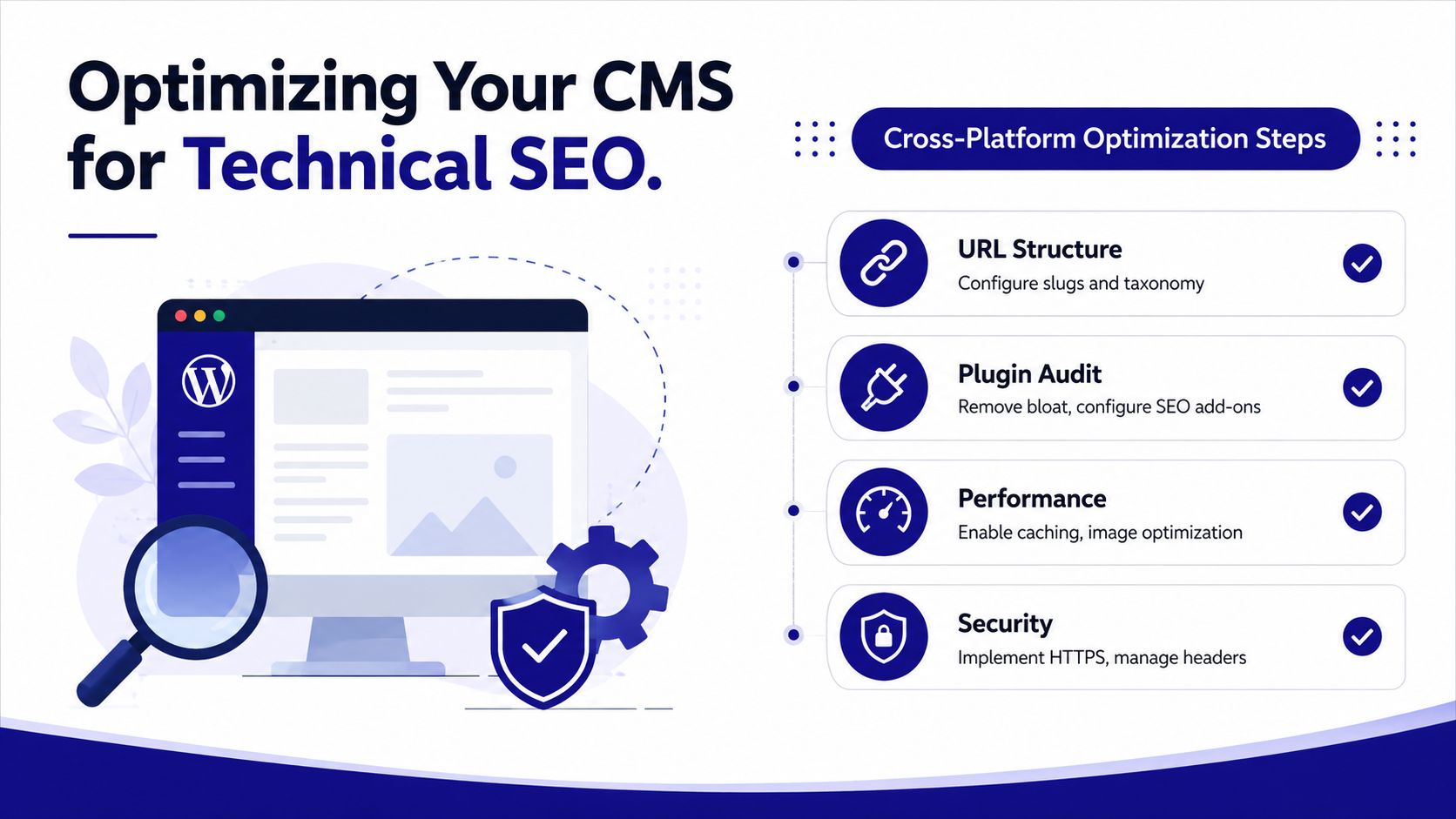
Define which content types deserve indexation. Generate XML sitemaps from canonical, indexable URLs rather than every record in the database. Exclude thin archives, internal search pages, parameter variants, and expired content unless they serve a deliberate search purpose.
Automate canonicals from the final URL model, but provide a controlled override for legitimate exceptions. Validate that redirects point directly to the final destination and that robots.txt doesn't block CSS, JavaScript, images, or API responses required to render important content.
Make templates fast and renderable
Remove unused plugins, apps, widgets, and tracking scripts. Compress images at upload, use responsive formats, cache stable assets, and load noncritical scripts asynchronously. Keep template payloads lean so the browser can establish the main content quickly.
For JavaScript-heavy builds, use server-side rendering or static generation for every indexable template. Verify the initial HTML with a command-line fetch or crawl tool, then compare it with the Googlebot-rendered version. The critical question is whether both contain the same title, canonical, links, copy, and structured data.
Automate metadata and schema carefully
Use template inheritance for defaults, but store page-specific values in structured fields. A product template should draw price, availability, brand, and identifiers from the product model. An article template should use author, date, headline, and image fields. Don't let editors paste arbitrary JSON-LD into every page.
WordPress plugin conflicts can produce duplicate schema graphs. Shopify collection templates can expose canonical behavior that doesn't match the intended faceted-navigation policy. Webflow may require a separate process for hreflang. In each case, crawl after deployment and validate the rendered source, not merely the editor preview.
A practical validation loop is:
- Crawl diagnostics: Check status codes, canonicals, directives, links, sitemaps, and rendered content.
- Performance monitoring: Track LCP, INP, and CLS by template type, not just site average.
- Schema validation: Confirm that required properties match visible content and that one system owns each entity.
- Change review: Compare the deployed HTML with the approved version and keep a rollback path.
CMS Architecture for AI Search Visibility and Structured Data
AI-mediated search changes the operational target. Your pages still need to rank in conventional search, but they also need to be understandable, attributable, and easy to connect with entities across systems that may summarize content instead of displaying ten blue links.
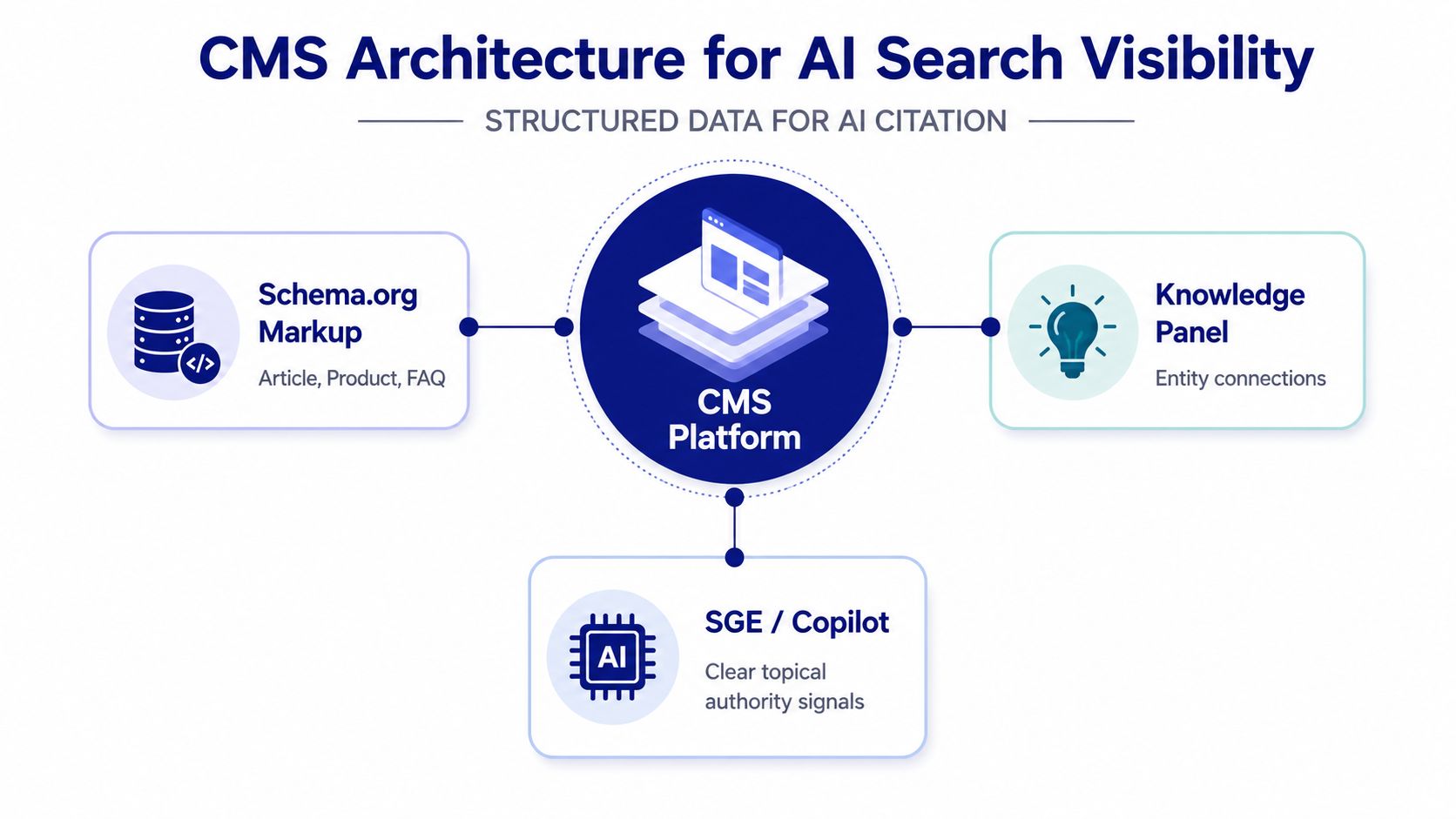
The 2025 Web Almanac coverage on CMS usage and SEO support highlights a practical weakness: more than 50% of pages are on CMSs, yet implementations differ sharply in support for canonical tags, robots controls, and structured data. WordPress often relies on plugins for structured data, while other platforms expose robots controls directly or manage them at the platform level.
That difference affects AI readiness because machine-readable content depends on consistency. If one template describes an organization with one name, another uses a different URL, and a third omits the relationship entirely, automated systems have less reliable evidence to connect the pages.
Build entity-first templates
Model the entities your business needs to explain:
- Organization: Name, logo, website, contact details, and consistent identifiers.
- Article: Author, headline, publication details, image, and main entity.
- Product: Brand, offers, availability, identifiers, and review relationships where applicable.
- FAQ and HowTo: Clearly marked questions, answers, steps, and visible supporting content.
A headless architecture can make schema injection repeatable because content models expose the fields required by templates. A monolithic CMS can do the same, but only when plugin ownership and template governance are clear. Either approach fails if schema exists only in a visual editor, conflicts across extensions, or describes content that users can't see.
Teams should also connect content operations to structured audits. A platform such as Nuwtonic can connect SEO audits, AI visibility measurement, metadata and schema fixes, CMS publishing workflows, and review-before-deploy controls in one workspace. The useful test isn't whether a tool generates markup. It's whether your team can identify a missing signal, approve a change, push it to the correct content type, and verify the resulting URL.
For implementation patterns, use this resource on schema markup for SEO to keep structured data aligned with visible page content and entity relationships.
Migration Strategies and Integration Workflows
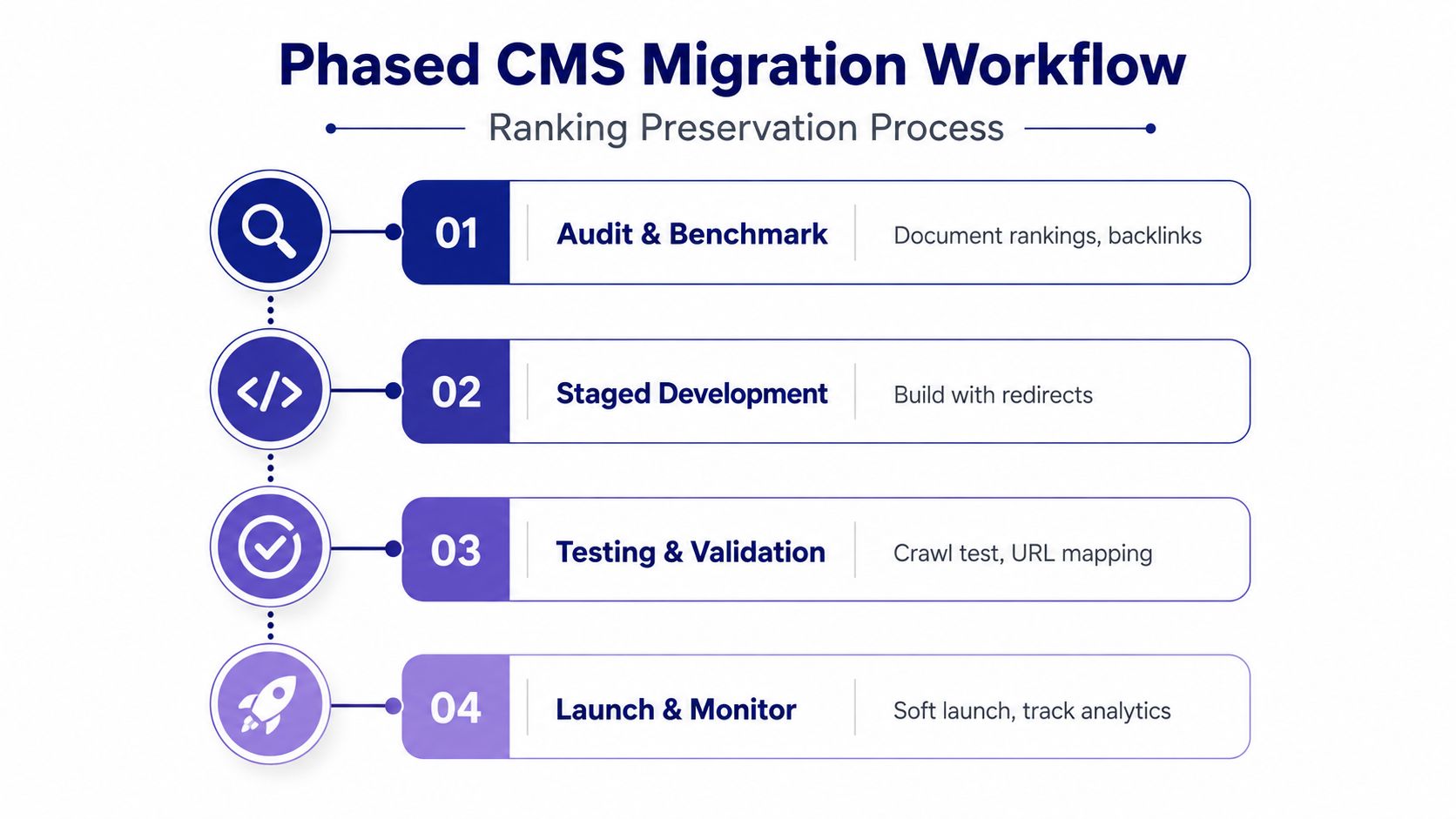
A CMS migration is a ranking-preservation project, not merely a redesign or infrastructure change. The safest migrations begin with evidence from the current site and end with a controlled comparison between old and new output.
Establish the baseline
Crawl the existing site before development. Export indexable URLs, titles, canonicals, directives, status codes, internal links, XML sitemap entries, structured data, and important analytics and Search Console landing pages. Save the crawl so the new site can be compared against a known state.
Map old URLs to new URLs with explicit rules. Use pattern-based mappings for repeatable structures, but manually review priority pages and exceptions. A redirect should resolve directly to the most relevant new URL, not pass through several intermediate destinations.
Validate before launch
Use a staging environment to crawl templates with production-like content. Check that the server response contains indexable copy, titles, canonicals, internal links, and schema. Test redirects, pagination, hreflang, robots rules, sitemap generation, mobile layouts, and performance before the DNS or hosting cutover.
During launch, keep the release narrow and monitor the first 72 hours closely. That window deserves immediate review for unexpected crawl errors, redirect failures, canonical changes, blocked resources, and sharp shifts in indexed URL patterns. Don't wait for rankings to “settle” before investigating technical anomalies.
Headless teams can place SEO checks in CI/CD so builds fail or require review when templates lose required metadata or schema. WordPress teams can use plugin ecosystems and deployment controls, but should still maintain staging tests because plugin updates can change HTML without an obvious editorial action.
Connect the CMS to an SEO automation platform through APIs or webhooks where possible. Require previews, permissions, and human approval before deployment. That workflow lets teams act quickly without turning speed into uncontrolled production edits.
Nuwtonic helps SEO teams connect technical audits, AI search visibility tracking, structured data, metadata fixes, content workflows, and controlled CMS publishing in one workspace. Visit Nuwtonic to evaluate how its review-before-deploy workflows can support faster, safer SEO execution across your CMS.