
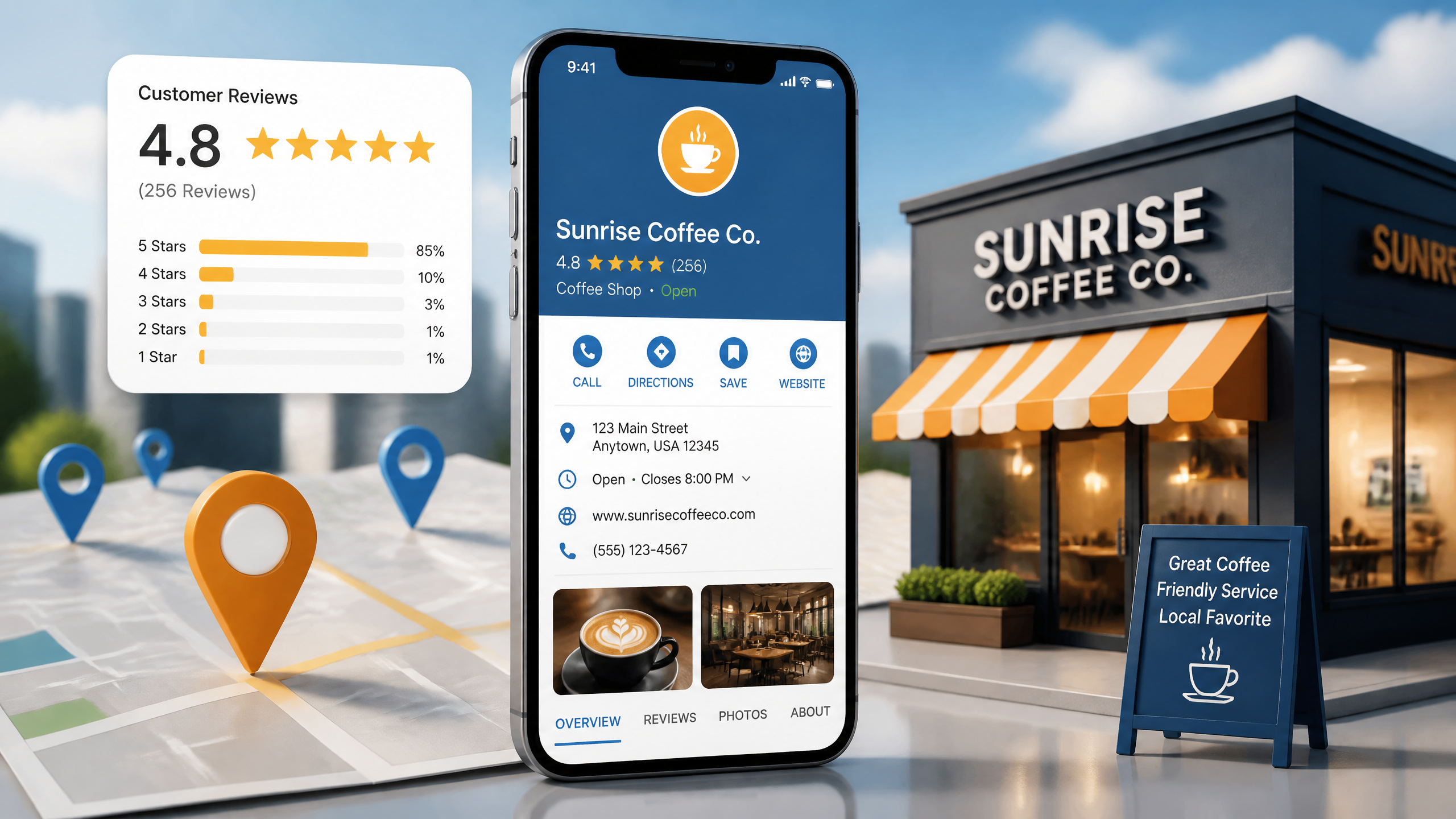
TL;DR Summary
Optimizing your Google Business Profile (formerly Google My Business or GMB) is the fastest way to drive local foot traffic and phone calls. This guide covers how to set up your profile, align your primary and secondary categories, manage reviews safely, maintain NAP consistency, and track your performance accurately. Simplicity is key—often, the basic strategies yield the best results for local SEO.
Key Takeaways
• Relevance, Distance, and Prominence are Google's core ranking pillars for local search.
• Category selection is your strongest ranking lever; choosing the wrong primary category can tank your visibility.
• Review signals must be earned organically; incentivizing reviews violates Google's policies and risks suspension.
• NAP consistency across directories builds trust with search engines and prevents customer confusion.
Table of Contents
Getting Started with SEO for Google My Business
Optimizing Your Core Profile Fields for Maximum Visibility
Managing Reviews and Customer Engagement
Maintaining NAP Consistency and Off-Page Signals
Google Business Profile Optimization Checklist
Frequently Asked Questions
Sources and References

Getting Started with SEO for Google My Business
You know what’s frustrating? I've seen too many folks waste time on social media when a well-optimized GMB would bring in more foot traffic. Many local business owners treat their Google Business Profile as a "set it and forget it" digital business card. In reality, optimizing for local search is a continuous process that directly impacts your bottom line. Let's break down how the local search algorithm works under the hood so you can stop guessing.
The Core Pillars: Relevance, Distance, and Prominence
According to Google's local ranking factors guide, local results are primarily influenced by relevance, distance, and prominence. These three pillars dictate whether your business shows up in the coveted local pack—the map block that appears at the top of local search results.
Ranking Factor | What It Means | How to Optimize It |
|---|---|---|
Relevance | How well your business matches the searcher's query. | Match your primary category, services, and description to user intent. |
Distance | How far your business is from the searcher's location. | Keep your address accurate; define clear service areas if you're a mobile business. |
Prominence | How well-known and trusted your business is online and offline. | Build citations, earn high-quality reviews, and publish regular profile updates. |
Here’s the deal: you can't control distance. If a user is searching from five miles away, Google will naturally favor closer competitors unless your prominence signals are absolutely off the charts. Focus your energy on relevance and prominence—those are the levers you can actually pull.
Setting Up and Verifying Your Profile
According to Google, a complete and accurate Business Profile can help a business show up in local search and Maps. But you can't do a thing until you verify ownership. According to Google, verification is required before a business can manage many profile features, including responding to reviews or updating hours of operation.
When verifying, Google will typically require a postcard, phone call, email, or video verification. I always advise clients to prepare their physical workspace beforehand if Google requests a video verification. Make sure you have your business license, branded vehicle, or physical tools ready to show on camera. If you fail the verification check, getting a second chance through support can take weeks.
Navigating the Service-Area vs. Physical Location Dilemma
According to Google, businesses with a physical location can list an address, while service-area businesses can hide their address and define service areas instead. This is a massive point of confusion for service providers like plumbers, locksmiths, or mobile detailers.
If customers visit your shop, show your address. If you go to them, hide it and set your service boundaries. Attempting to game the system by using a UPS Store address or a friend's apartment to rank in a different zip code is a one-way ticket to suspension. Google has caught on to these tactics, and their enforcement is swifter than ever.
When measuring your local pack rankings, you need to know how to isolate search results from browser personalization bias to ensure you are seeing clean, objective data.
Optimizing Your Core Profile Fields for Maximum Visibility
Now that you're verified, it's time to optimize the fields that actually move the needle. Not all profile fields are created equal. Some directly influence rankings, while others simply help convert searchers into customers.
Nailing Your Primary and Secondary Categories
According to Google, the primary business category is one of the most important fields for describing what a business does. This is your single strongest relevance signal. If you are a personal injury attorney, do not set your primary category to "Lawyer"—be specific and choose "Personal Injury Attorney."
• Primary Category: This should match your main, most profitable service. It directly dictates which search queries you are eligible to rank for.
• Secondary Categories: Use these to list your secondary services (e.g., "Estate Planning Attorney" or "Criminal Defense Attorney"). Do not overdo it; only choose categories that directly match your real-world offerings.
• Avoid Category Stuffing: Adding irrelevant categories dilutes your profile's focus and can confuse Google's algorithm.
Crafting Descriptions without Keyword Stuffing
Your business description is your chance to pitch your business to potential customers. According to Google's guidelines for representing your business, you should use the name customers know in the real world, because adding extra keywords to the business name is not allowed.
The same philosophy applies to your description. Do not fill it with a block of city names and keywords in a desperate attempt to rank. Keyword stuffing in the description does not improve rankings; it just makes you look spammy. Instead, write a compelling narrative about your history, values, and services.
While optimizing your profile is crucial, it operates hand-in-hand with your website's organic signals. Understanding what is on-page SEO will help you optimize your landing pages to support your GMB listing.

Products, Services, and Menus
According to Google, products and services fields help businesses present specific offerings directly in the profile. While these fields don't heavily influence your local pack rankings directly, they are incredibly important for conversions.
When a user clicks your listing, they want to see what you sell and how much it costs. If you run a restaurant, keep your menu updated. If you are a service provider, list your core packages. This keeps users on your listing longer, sending positive engagement signals back to Google.
Managing Reviews and Customer Engagement
Most businesses overlook the power of local reviews; they can make or break your GMB listing. In my years of optimizing profiles, I've seen listings with mediocre websites jump to the top of the local pack simply because they had a steady stream of fresh, positive reviews.
The Power of Review Signals and Compliant Solicitation
According to Google, reviews are not to be solicited in exchange for money, discounts, or other incentives. This means no "review for a free coffee" promos. If Google detects a sudden spike in reviews from accounts with no local history, or if someone flags your incentive program, those reviews will be purged, and your profile could be suspended.
Instead, build a natural feedback loop into your customer journey:
Ask for feedback immediately after a service is completed.
Provide a direct short-link to your review section via email or SMS.
Train your staff to ask for honest reviews in person.
How to Craft Owner Responses That Build Trust
According to Google, businesses can respond to reviews, and owner responses are visible to users on the profile. Responding to reviews shows potential customers that you care about their experience. It also gives you a chance to handle negative feedback gracefully.
When replying to a bad review, keep your cool. State your facts, offer to take the conversation offline, and avoid getting defensive. Prospective customers will judge your business based on how you handle criticism, not just the criticism itself.
Managing the Q&A Section and Direct Messages
According to Google, Q&A content can appear on the profile and may help users make faster decisions. Anyone can ask a question on your profile—and unfortunately, anyone can answer it. This means you need to monitor this section closely to ensure misinformation isn't spreading.
Pro-tip: You are allowed to ask and answer your own questions. I always recommend that clients populate their own Q&A section with their most common customer inquiries (e.g., "Is there parking available?" or "Do you accept walk-ins?").
Maintaining NAP Consistency and Off-Page Signals
I once made the mistake of ignoring NAP consistency and learned the hard way. Early in my career, I had a client with three different phone numbers and two slight variations of their address scattered across the web. Their local rankings were nonexistent because Google couldn't confirm the business's actual identity.
The Truth About Citations and Local Links
Citations—mentions of your Name, Address, and Phone number (NAP) on other directories like Yelp, YellowPages, and local chamber of commerce sites—still matter for local SEO. They act as third-party verification. If Google sees the exact same NAP data across fifty authoritative directories, its confidence in your business's legitimacy increases.
Directory Type | Importance | Action Item |
|---|---|---|
Primary Directories | High | Claim and optimize profiles on Yelp, Bing Places, and Apple Maps. |
Local Citations | Medium | Join your local Chamber of Commerce and get listed on local news directories. |
Niche Directories | High | Get listed on industry-specific directories (e.g., Avvo for lawyers, Houzz for contractors). |
Tracking Performance with UTM Codes
If you aren't tracking your profile's performance, you are flying blind. Google's built-in performance metrics are helpful, but they don't tell the whole story. To see exactly how much traffic your website gets from your profile, you need to use UTM tracking codes on your website links.
Append a UTM parameter to your primary website URL in your profile (e.g., yourwebsite.com/?utm_source=google&utm_medium=organic&utm_campaign=gmb). This allows you to segment your local search traffic in Google Analytics and measure actual conversions, bookings, or sales.
If you run a multi-location brand or an online store with physical showrooms, performing an ecommerce SEO audit can reveal hidden technical issues holding back your local rankings.
Avoiding Suspensions and Policy Pitfalls
According to Google, inaccurate or misleading location information can lead to profile issues, including suspension. Google's spam filters are highly sensitive. Common triggers for suspension include:
• Changing your business name to include geo-targeted keywords (keyword stuffing).
• Using a virtual office or P.O. Box as your physical address.
• Multiple businesses sharing the exact same suite number without distinct operations.
If your listing gets suspended, do not panic and create a new one. This will only complicate the reinstatement process. Address the violation first, then submit a reinstatement request with solid proof of your business's physical existence.
Google Business Profile Optimization Checklist
To make this actionable, here is a practical maintenance schedule. Local SEO is not a one-time setup; it requires consistent upkeep to stay ahead of competitors who are actively optimizing their profiles.
Daily and Weekly Maintenance Tasks
Check for suggested edits: Users can suggest changes to your operating hours, address, or services. Google often accepts these suggestions automatically if you don't reject them.
Respond to new reviews: Aim to respond to all reviews within 24 to 48 hours.
Publish a post: According to Google, businesses can publish updates, offers, and event-related content through profile posts. Use these posts to share weekly promotions or business updates.
Monthly Performance Audits and Testing
• Review performance metrics: Track calls, direction requests, and website clicks to identify trends.
• Audit local citations: Ensure no new duplicate listings have appeared on other directories.
• Update visual content: According to Google, photos and logos help users identify and evaluate the business listing. Upload 2-3 fresh photos of your team, office, or completed projects every month.
Frequently Asked Questions
What is SEO for Google My Business?
SEO for Google My Business is the process of optimizing your Google Business Profile to increase its visibility in Google's local search results and Google Maps. It involves managing your categories, reviews, NAP consistency, and user engagement.
How do I rank higher in the local map pack?
To rank higher, you must focus on completeness, relevance, and prominence. Keep your profile fully updated, choose the correct primary category, earn consistent positive reviews, and ensure your NAP details are consistent across the web.
What’s the difference between Google Business Profile and Google My Business?
They are the same product. Google rebranded "Google My Business" (GMB) to "Google Business Profile" (GBP) to simplify the management of single listings directly from Google Search and Maps.
How important are reviews for local SEO?
Reviews are incredibly important. They act as strong prominence and relevance signals for Google's algorithm while directly influencing whether a searcher chooses to call or visit your business.
Why was my listing suspended?
Your listing was likely suspended due to a guideline violation. Common causes include using a P.O. Box or virtual address, keyword stuffing your business name, or having duplicate listings for the same location.
Sources and References
• Google's official guide on local ranking factors
• Google's guidelines for representing your business
• Google's verification instructions


