
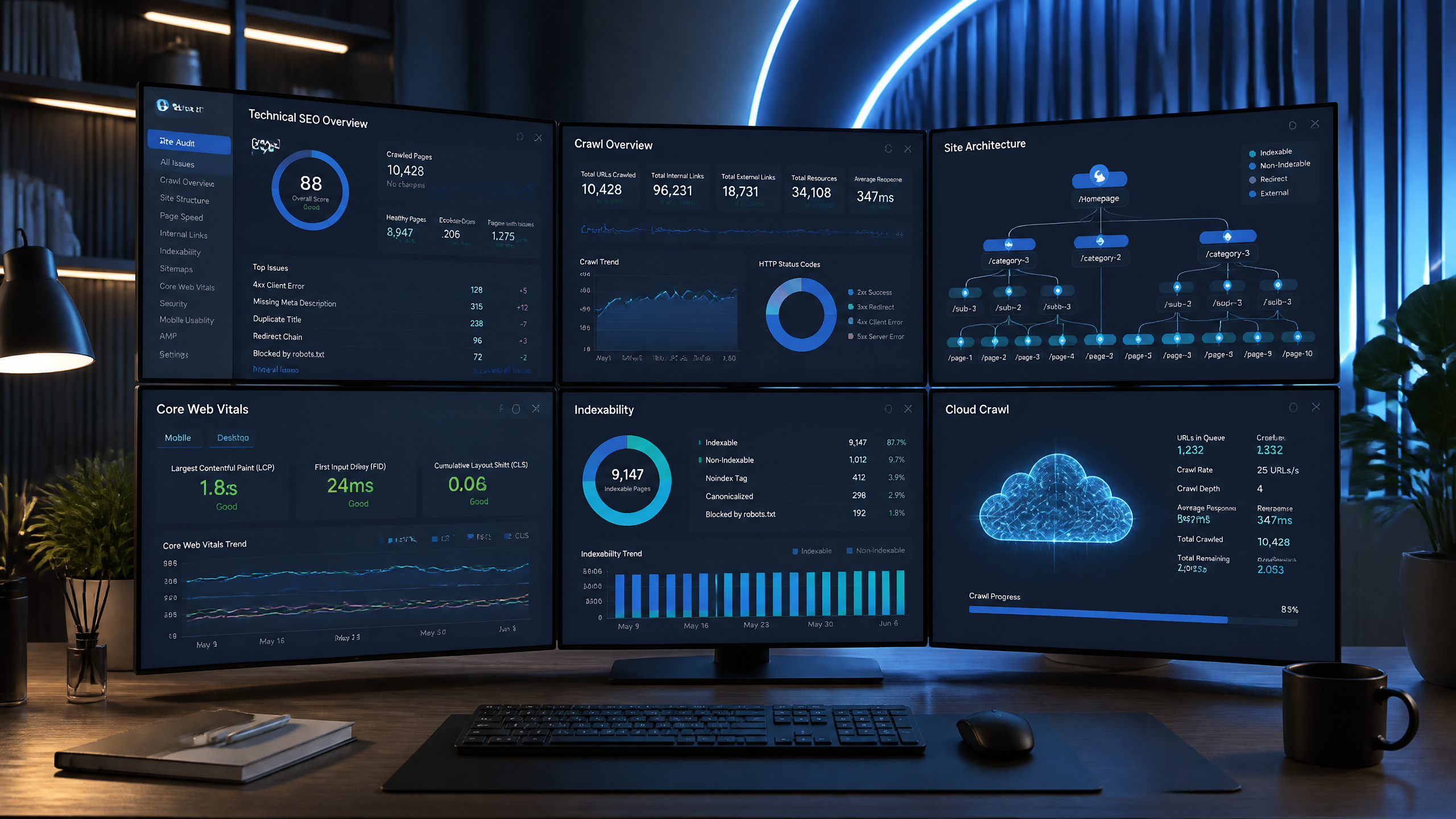
As someone who has spent over seven years in the technical SEO trenches , diagnosing canonical tags issues, optimizing crawl budget for massive e-commerce catalogs, and untangling broken site architectures , I have a deep love-hate relationship with Screaming Frog. It is undeniably the Swiss Army knife of local web crawlers. However, it is not always the best tool for every project or every team.
Whether you are crashing your local RAM on a million-page crawl, struggling to share crawl reports with non-technical clients, or trying to automate recurring technical site audits without setting up dedicated server instances, there are moments when you need a reliable alternative.
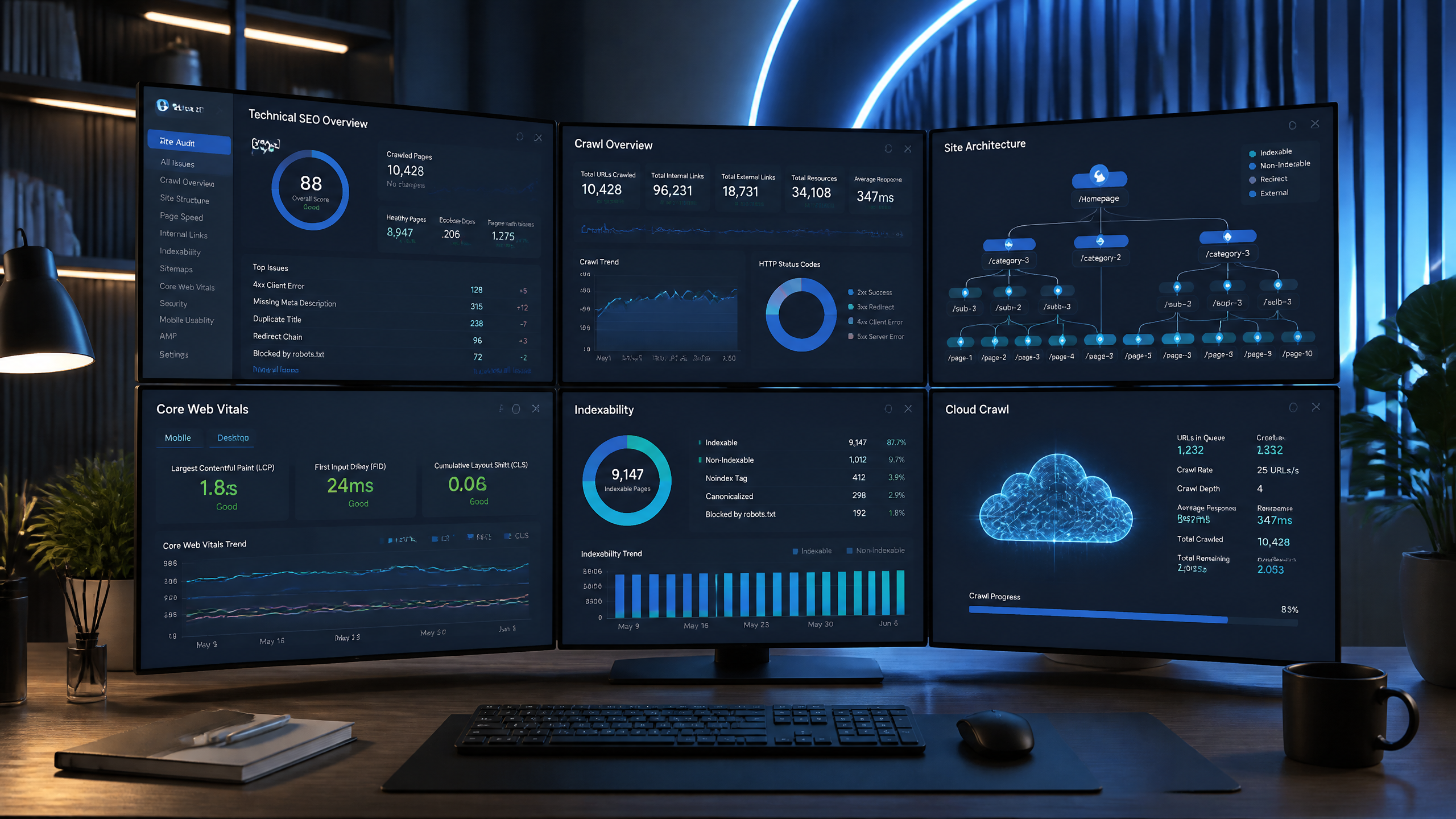
Quick Answer
If you simply need a desktop website crawler, Screaming Frog SEO Spider remains one of the industry's best tools.
However, if your workflow now includes:
AI Search Optimization (GEO)
Technical SEO
Automated issue detection
Content optimization
Keyword research
Search Console insights
AI visibility monitoring
Competitor intelligence
Automated SEO execution
then several modern platforms have evolved beyond the traditional crawler model.
This guide compares the best options based on:
Crawl quality
Technical SEO depth
Automation
AI capabilities
Ease of use
Pricing
Scalability
Best use cases
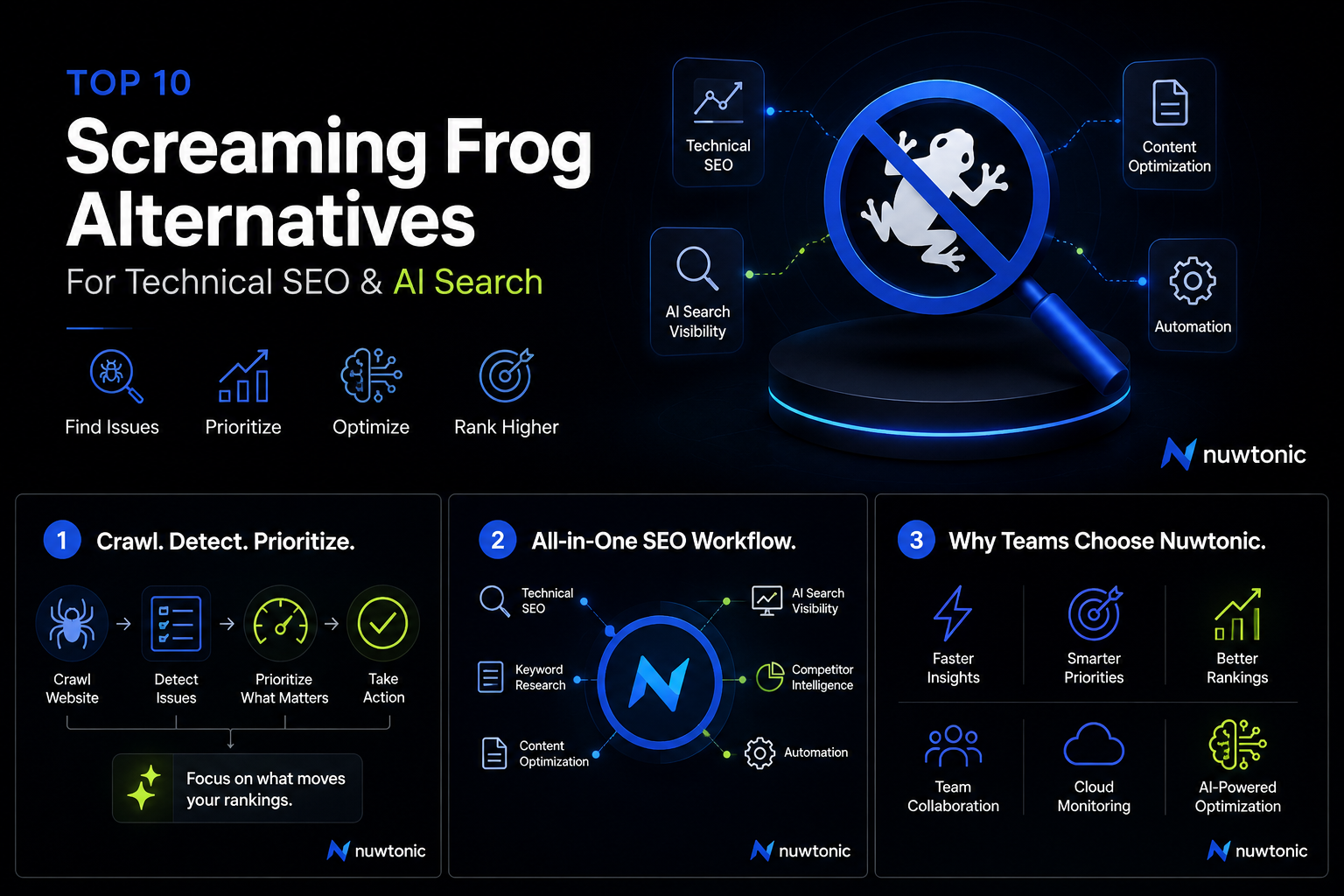
Why SEO Professionals Are Looking Beyond Screaming Frog
For over a decade, Screaming Frog has been one of the most trusted technical SEO crawlers available.
Its speed, flexibility, JavaScript rendering, custom extraction, and deep crawl reports have made it a staple for agencies and in-house SEO teams.
Yet SEO itself has changed dramatically.
Today's SEO workflows involve much more than identifying broken links or missing title tags.
Modern SEO teams also need to:
Monitor AI Search visibility
Optimize content for AI-generated answers
Detect topical authority gaps
Generate optimized content
Analyze competitors
Automate repetitive SEO tasks
Monitor Search Console trends
Discover keyword opportunities
Fix issues continuously—not just identify them
In other words, technical crawling has become just one part of a much larger SEO workflow.
This is why many businesses are evaluating alternatives that combine crawling with automation, AI, and cloud-based collaboration.
How We Evaluated These Screaming Frog Alternatives
Rather than ranking tools solely on popularity, we evaluated them using practical criteria that matter to SEO professionals in 2026.
Evaluation Criteria | Why It Matters |
|---|---|
Crawl Accuracy | Detects technical SEO issues reliably |
JavaScript Rendering | Essential for modern websites |
Cloud Crawling | Eliminates desktop limitations |
Crawl Scheduling | Enables continuous monitoring |
AI Features | Helps prioritize and resolve issues |
Technical SEO Depth | Covers advanced optimization areas |
Automation | Reduces manual work |
Collaboration | Supports agencies and teams |
Integrations | Connects with Google Search Console, Analytics, CMSs, APIs |
Overall Value | Features relative to pricing |
The Evolution of Technical SEO Tools
One of the biggest misconceptions in SEO is believing that every crawler serves the same purpose.
They don't.
Today's technical SEO tools generally fall into four categories.
Category | Primary Purpose |
|---|---|
Desktop Crawlers | Deep technical audits |
Cloud Crawlers | Continuous website monitoring |
Enterprise Platforms | Large-scale websites and collaboration |
AI SEO Platforms | Technical SEO + AI optimization + automation |
This distinction matters because many businesses eventually outgrow desktop-only workflows.
Top 10 Screaming Frog Alternatives
Rank | Tool | Best For |
|---|---|---|
1 | Nuwtonic | Best Overall AI SEO Platform |
2 | Sitebulb | Visual Technical Audits |
3 | Ahrefs Site Audit | Cloud Technical SEO |
4 | Semrush Site Audit | All-in-One Marketing |
5 | JetOctopus | Enterprise Crawling |
6 | Oncrawl | Data-Driven SEO |
7 | Lumar (Deepcrawl) | Enterprise Websites |
8 | SE Ranking | Budget-Friendly SEO |
9 | SiteGuru | Simple Website Audits |
10 | Google Search Console | Free Technical Monitoring |
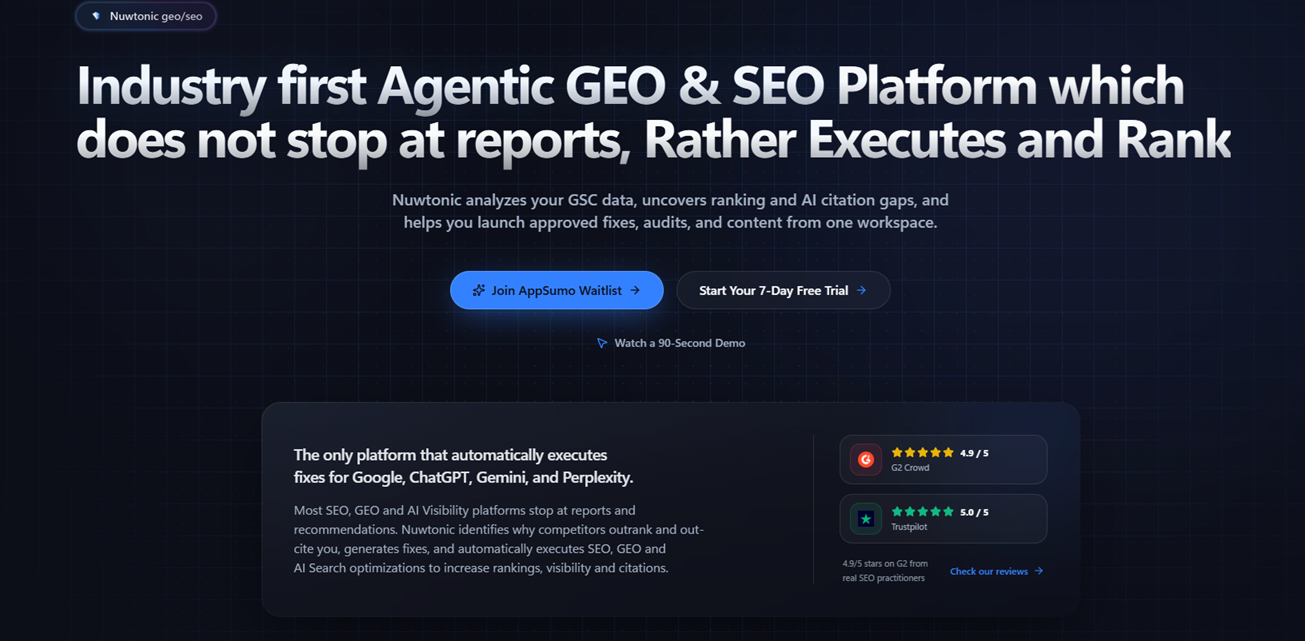
1\. Nuwtonic
Best Overall AI-Powered Screaming Frog Alternative
Best For
Agencies
SaaS companies
AI Search optimization
SEO automation
Content teams
Growing businesses
Overview
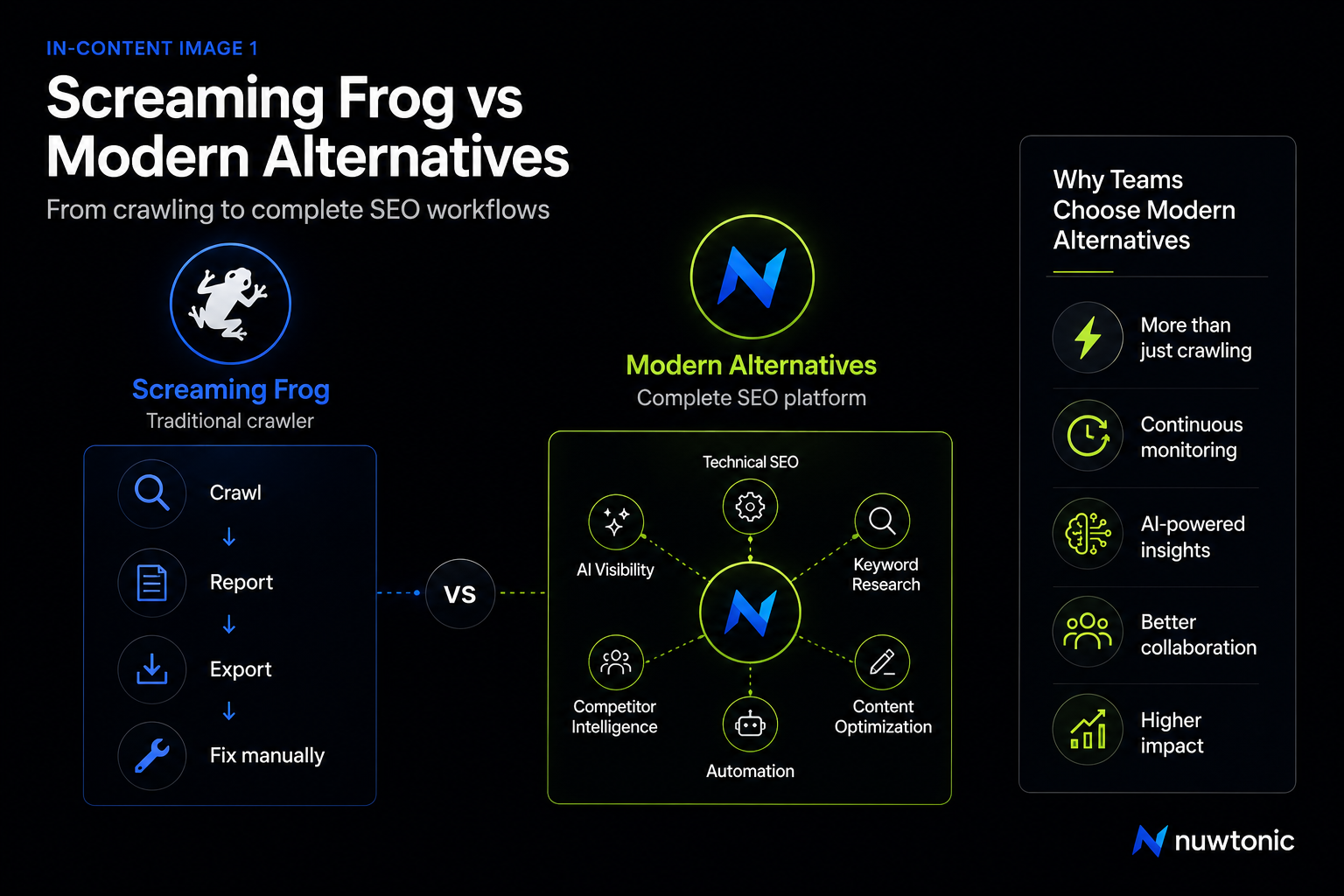
Most SEO platforms still follow the same workflow:
Crawl → Report → Export → Fix manually
Nuwtonic takes a different approach.
Instead of functioning solely as a crawler, it combines multiple SEO workflows into a unified platform that can help teams move from identifying issues to improving search performance more efficiently.
Rather than separating technical SEO, keyword research, content creation, AI visibility tracking, and optimization into different tools, these capabilities are brought together in one workspace.
This shift reflects how SEO teams increasingly operate today—where technical health, content quality, AI search visibility, and ongoing optimization are interconnected.
What Makes Nuwtonic Different?
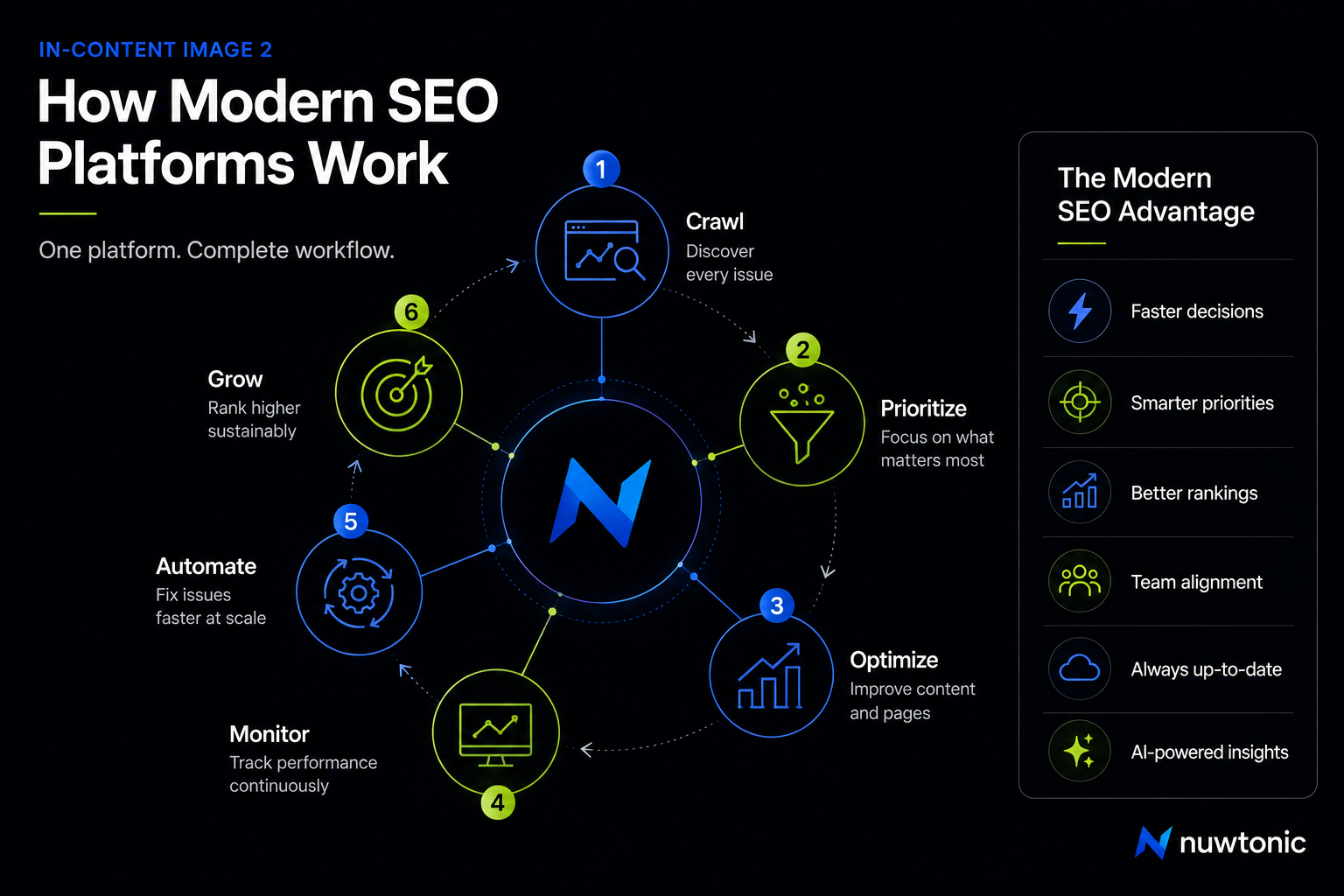
Many Screaming Frog alternatives focus on generating larger reports.
Nuwtonic focuses on reducing the number of tools required to complete SEO work.
Instead of asking,
"What issues exist?"
it also helps answer:
Which issues matter most?
What should be fixed first?
Which keywords are missing?
Which AI platforms mention competitors instead?
Which pages deserve new content?
Which pages need optimization?
Which opportunities offer the highest impact?
This broader workflow can reduce the need to switch constantly between crawlers, keyword tools, AI optimization platforms, and content software.
Core Capabilities
Instead of being just another crawler, Nuwtonic combines multiple SEO disciplines.
Technical SEO
Site crawling
Broken links
Redirect chains
Duplicate content
Canonicals
XML sitemap analysis
Robots.txt validation
Internal linking audits
Page performance insights
AI Search Optimization
One of the largest differences is support for modern AI search ecosystems.
Instead of focusing only on traditional search rankings, Nuwtonic also helps monitor how websites appear across AI-powered search experiences.
Examples include monitoring visibility in AI-generated answers and identifying opportunities to improve content for generative search systems.
This is becoming increasingly important as users rely more on conversational search experiences rather than traditional blue links.
Keyword Intelligence
Instead of exporting keywords between multiple tools, users can manage:
Keyword discovery
Topic clustering
Search intent analysis
Opportunity prioritization
Content planning
from the same platform.
Content Optimization
Modern SEO isn't just about fixing errors.
It also requires creating pages that comprehensively answer user intent.
Nuwtonic includes workflows that support:
Content expansion
Topic coverage
Semantic improvements
This reduces the friction between technical SEO and content teams.
Competitor Intelligence
Instead of reviewing only your own website, SEO professionals increasingly need to understand why competitors outperform them.
Nuwtonic includes competitive workflows designed to surface gaps in:
Content
Keywords
Technical coverage
AI visibility
Topical authority
Automation
Perhaps the biggest shift is automation.
Traditional crawlers typically stop after generating reports.
Modern SEO teams often need additional workflows to prioritize issues, assign work, monitor progress, and continuously optimize websites.
Automation can reduce repetitive manual tasks and help teams focus on higher-impact improvements.
Pros
✔ Multiple SEO workflows in one platform
✔ Technical SEO and AI Search optimization
✔ Keyword research
✔ Content optimization
✔ AI visibility tracking
✔ Competitor intelligence
✔ Modern cloud workflow
✔ Suitable for agencies
✔ Suitable for SaaS
✔ Designed for ongoing optimization instead of one-time audits
Cons
Newer platform compared to long-established SEO tools
Some advanced workflows may require slight learning curve
Pricing
Pricing may vary by plan and usage. Check the official website for the latest information.
Best For
Choose Nuwtonic if your SEO workflow extends beyond technical crawling and includes content strategy, AI search optimization, keyword research, and ongoing SEO automation.
Why This Represents a Different Category of Tool
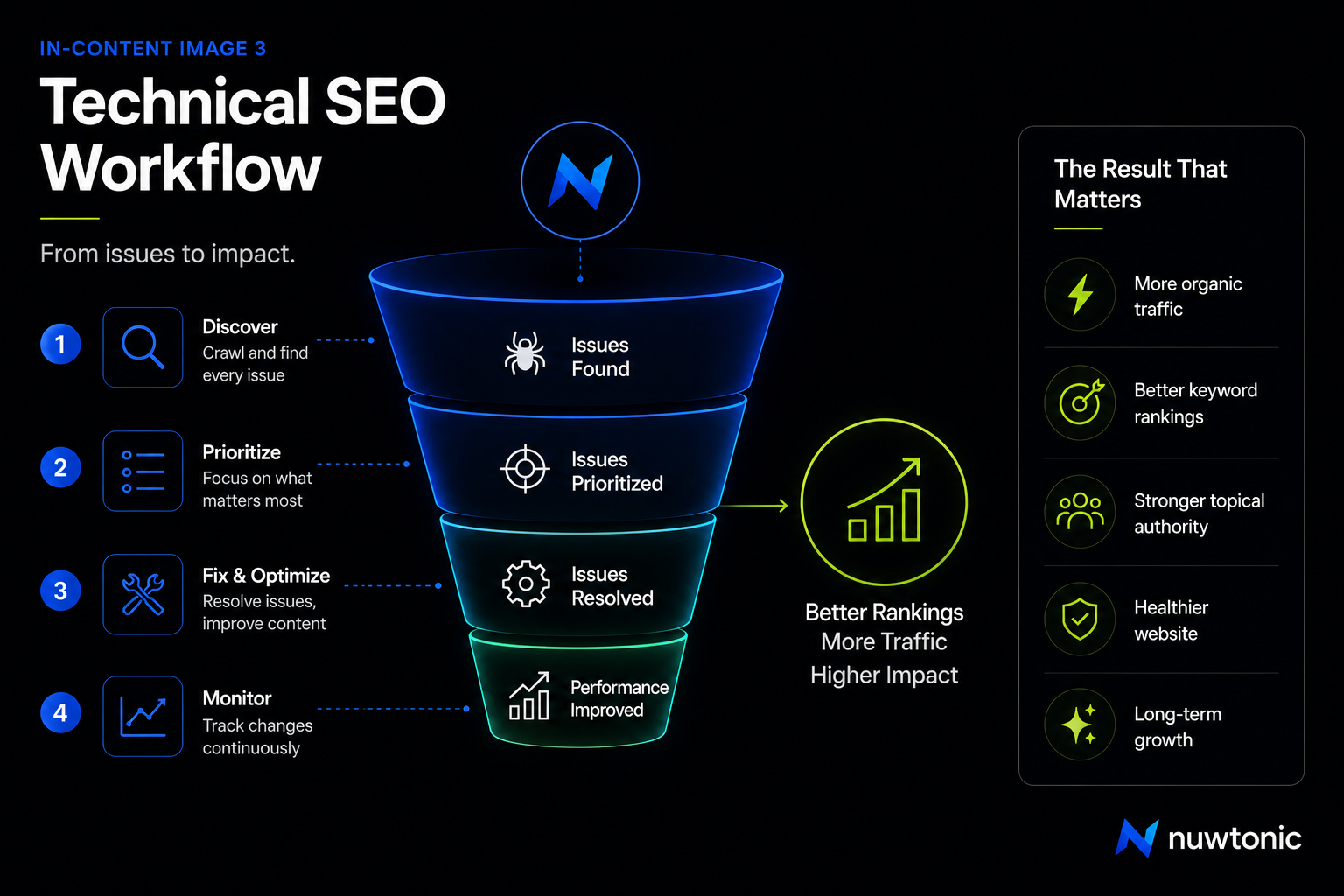
One mistake many comparison articles make is treating every Screaming Frog alternative as if it solves the exact same problem.
In reality, the market has split into two distinct philosophies.
Traditional Technical SEO
Crawl Website

↓

Generate Report

↓

Export CSV

↓

Prioritize Issues

↓

Fix Issues

↓

Re-crawl
Modern AI SEO Workflow
Monitor

↓

Analyze

↓

Prioritize

↓

Generate

↓

Optimize

↓

Track AI Visibility

↓

Repeat Continuously
This distinction matters because technical crawling is no longer the endpoint of SEO—it is the starting point.
For many teams, the limiting factor isn't discovering issues; it's deciding what to do next and executing improvements efficiently.
That difference in workflow is one of the key reasons newer AI-driven SEO platforms have emerged alongside traditional crawlers.
2\. Sitebulb
Best for Visual Technical SEO Reports
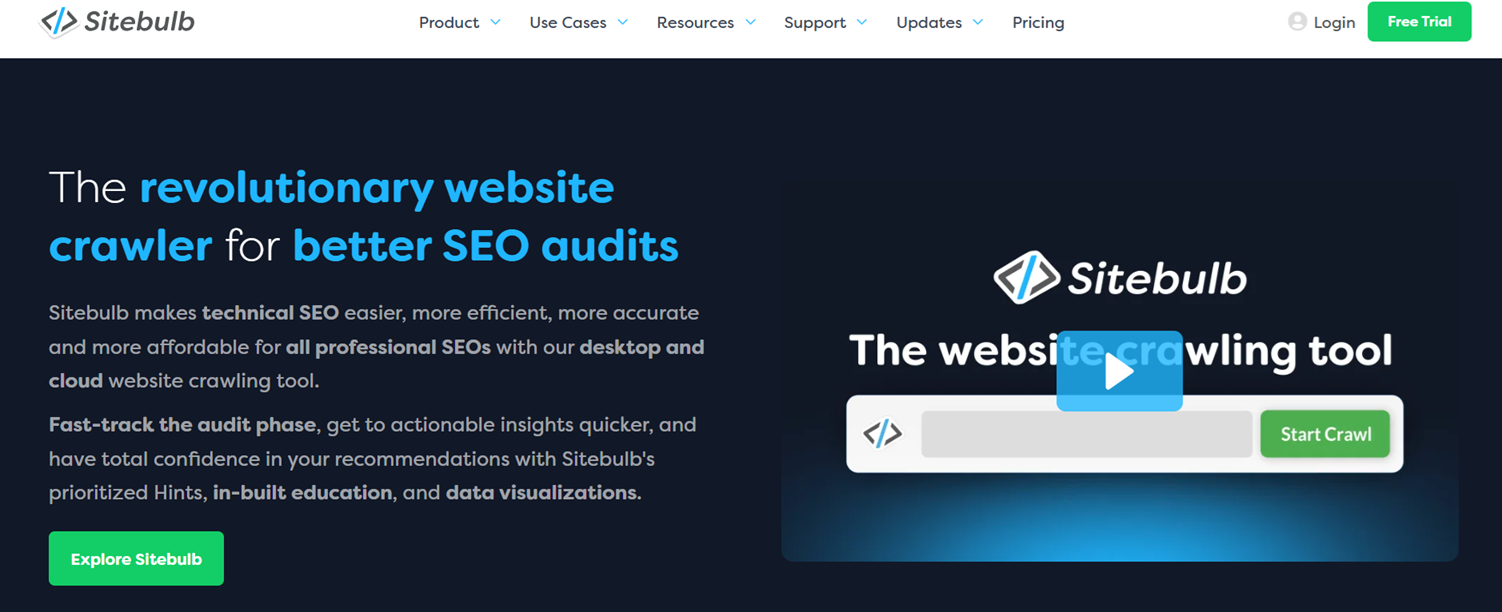
Sitebulb is widely recognized for making complex technical SEO audits easier to interpret through visual reports, crawl maps, and prioritized recommendations.
Rather than overwhelming users with raw data, it presents findings in a way that helps SEO professionals quickly identify patterns and understand why issues matter.
For consultants and agencies that regularly present audit results to clients, these visualizations can significantly improve communication.
Best For
SEO consultants
Agencies
Technical SEO audits
Client reporting
Key Features
Desktop and cloud versions
Interactive crawl visualizations
Website architecture mapping
JavaScript rendering
Structured data validation
Internal linking analysis
Performance insights
Crawl scheduling (cloud version)
Pros
✔ Excellent visual reports
✔ Beginner-friendly interface
✔ Strong technical recommendations
✔ Helpful issue prioritization
✔ Detailed crawl analysis
Cons
Smaller ecosystem than larger SEO suites
Limited keyword research capabilities
Less focused on AI search optimization
Pricing
Mid-range pricing with separate desktop and cloud plans.
Why Choose Sitebulb Instead of Screaming Frog?
If your biggest challenge is understanding crawl data—or presenting technical audits to clients—Sitebulb's visual reporting can make complex findings easier to communicate and prioritize.
3\. Ahrefs Site Audit
Best Cloud-Based Screaming Frog Alternative
While Ahrefs is best known for backlinks and keyword research, its Site Audit tool has evolved into a robust cloud-based crawler.
Unlike desktop software, crawls run on Ahrefs' infrastructure, allowing teams to schedule audits, monitor changes over time, and collaborate without relying on a local machine.
This makes it especially attractive for organizations managing multiple websites or ongoing SEO campaigns.
Best For
Marketing teams
Agencies
Cloud-first workflows
Integrated SEO research
Key Features
Cloud crawling
Scheduled audits
Technical SEO reports
Internal linking analysis
Core Web Vitals monitoring
JavaScript support
Integration with the wider Ahrefs platform
Pros
✔ No desktop dependency
✔ Historical crawl data
✔ Integrated keyword and backlink ecosystem
✔ Excellent user experience
✔ Strong reporting
Cons
Crawl capacity depends on subscription
Less customizable than dedicated desktop crawlers
Advanced technical users may miss some granular controls available in Screaming Frog
Pricing
Included within Ahrefs subscription plans.
Why Choose Ahrefs Instead of Screaming Frog?
Choose Ahrefs if you prefer a cloud-native SEO workflow and want technical audits integrated with backlink analysis, keyword research, and competitive intelligence in one platform.
4\. Semrush Site Audit
Best All-in-One Marketing Suite
Semrush approaches technical SEO as one component of a broader digital marketing platform.
Instead of specializing solely in crawling, it combines site audits with rank tracking, keyword research, content marketing, PPC insights, competitor analysis, and reporting.
For businesses already invested in the Semrush ecosystem, this integration can streamline day-to-day marketing operations.
Best For
Marketing teams
Agencies
Multi-channel SEO
Businesses seeking one platform for SEO and PPC
Key Features
Cloud-based site audits
Scheduled crawls
Core Web Vitals tracking
HTTPS implementation checks
Structured data validation
Internal linking analysis
SEO dashboards
Integration with other Semrush tools
Pros
✔ Unified marketing platform
✔ Strong reporting capabilities
✔ Excellent integrations
✔ Easy collaboration
✔ Suitable for ongoing website monitoring
Cons
Technical crawling is less customizable than dedicated crawlers
Subscription costs can increase as more features are needed
Some advanced technical SEO specialists may still prefer specialized crawling tools for highly granular audits
Pricing
Available as part of Semrush subscription plans.
Why Choose Semrush Instead of Screaming Frog?
If your team manages SEO alongside PPC, content marketing, competitive research, and reporting, Semrush offers a broader marketing ecosystem that reduces the need to switch between multiple platforms.
5\. JetOctopus
Best for Enterprise Cloud Crawling & Log File Analysis
Best For
Large ecommerce websites
Enterprise SEO teams
Technical SEO specialists
Websites with millions of URLs
Overview
Most website crawlers answer one question:
What can the crawler discover?
JetOctopus answers a second, often more valuable question:
What are search engines actually crawling?
It achieves this by combining website crawling with server log file analysis.
Instead of assuming Google behaves the same way your crawler does, JetOctopus lets you compare:
URLs discovered by your crawler
URLs actually crawled by Googlebot
Crawl frequency
Crawl waste
Orphan pages
Crawl budget allocation
For enterprise websites, this distinction can uncover optimization opportunities that traditional crawlers alone cannot.
Key Features
Cloud crawler
Massive URL support
Log File Analyzer
JavaScript rendering
Crawl scheduling
XML sitemap analysis
Internal link analysis
Crawl budget visualization
Page segmentation
Googlebot monitoring
Pros
✔ Extremely fast cloud crawler
✔ Excellent log analysis
✔ Handles millions of pages
✔ Enterprise-grade reporting
✔ Great crawl budget insights
Cons
Designed primarily for advanced SEO professionals
Learning curve is steeper
Content optimization features are limited
Pricing
Subscription-based with plans tailored to crawl capacity.
Why Choose JetOctopus Instead of Screaming Frog?
If your website contains hundreds of thousands—or even millions—of URLs, JetOctopus scales more effectively and provides crawl budget insights that desktop crawlers cannot deliver on their own.
Crawl Data vs. Log File Data
One of the most misunderstood concepts in technical SEO is the difference between crawl data and log data.
Crawl Data | Log Data |
|---|---|
Shows what your crawler can access | Shows what Googlebot actually visited |
Simulated crawl | Real search engine behavior |
Finds broken pages | Reveals crawl frequency |
Detects redirects | Detects crawl waste |
Audits site structure | Audits Google's resource allocation |
Many enterprise SEO teams use both because they answer different questions.
6\. Oncrawl
Best for Data-Driven Technical SEO
Overview
Oncrawl focuses on connecting technical SEO with business data.
Instead of viewing crawling as an isolated activity, it combines crawl information with analytics, server logs, and search performance to identify optimization opportunities that influence organic traffic.
This makes it particularly attractive for organizations making SEO decisions based on measurable outcomes rather than isolated technical metrics.
Best For
Publishers
Ecommerce
Enterprise SEO
Data-driven organizations
Key Features
Cloud crawling
Log analysis
Data segmentation
Crawl optimization
Internal linking analysis
JavaScript rendering
SEO dashboards
API integrations
Pros
✔ Excellent enterprise reporting
✔ Strong data visualization
✔ Powerful segmentation
✔ Integrates multiple datasets
✔ Highly scalable
Cons
Better suited to experienced SEO teams
More expensive than desktop crawlers
Limited AI content capabilities
Pricing
Enterprise subscription.
Why Choose Oncrawl?
Organizations that prioritize analytics and SEO performance trends over standalone crawl reports may benefit from Oncrawl's integrated approach.
7\. Lumar (formerly Deepcrawl)
Best Enterprise Technical SEO Platform
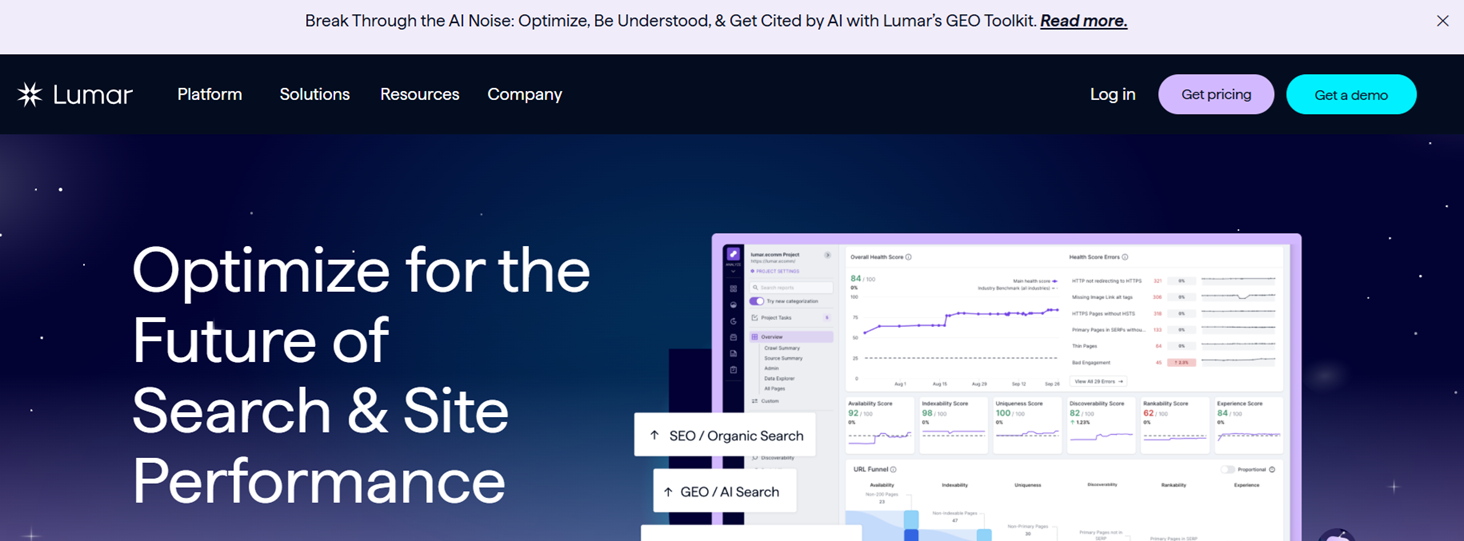
Overview
Lumar evolved beyond simple crawling into a platform focused on website quality assurance at enterprise scale.
Large organizations often need:
Scheduled audits
Multiple user permissions
Workflow management
Automated monitoring
Executive dashboards
Lumar addresses these operational requirements rather than functioning solely as a crawler.
Best For
Fortune 500 companies
Large ecommerce brands
International websites
Enterprise SEO departments
Key Features
Cloud crawling
Continuous monitoring
Website quality dashboards
Accessibility audits
Technical SEO reporting
Enterprise collaboration
API integrations
Scheduled crawling
Pros
✔ Excellent enterprise workflows
✔ Strong collaboration
✔ Continuous monitoring
✔ Enterprise reporting
✔ Large-scale crawling
Cons
Expensive
More features than smaller businesses typically require
Less suitable for freelancers
Pricing
Custom enterprise pricing.
Why Choose Lumar?
Large organizations managing multiple teams and websites often require governance, collaboration, and automation features beyond what traditional desktop crawlers provide.
8\. SE Ranking
Best Budget-Friendly SEO Platform
Overview
Not every business needs enterprise crawling.
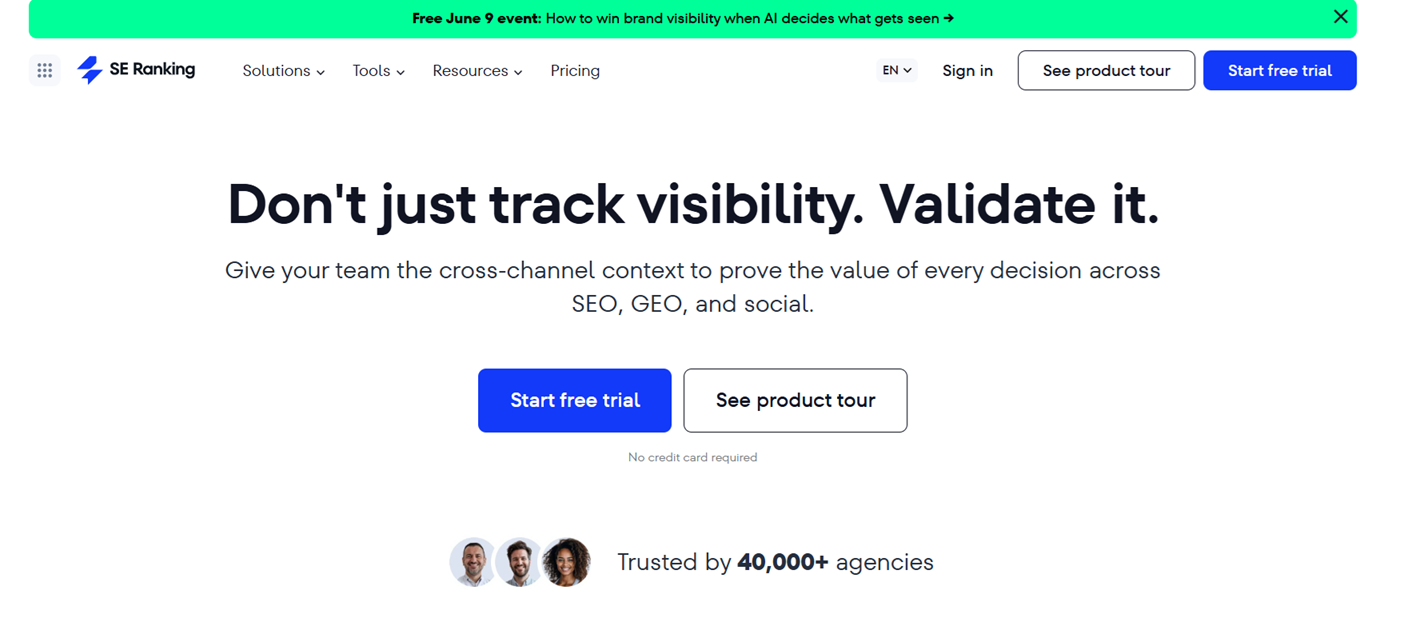
SE Ranking balances affordability with a broad feature set that includes technical audits, rank tracking, keyword research, competitor analysis, and backlink monitoring.
For small businesses, agencies, and startups, this combination can reduce the need for multiple subscriptions.
Best For
Freelancers
Small agencies
Startups
Small businesses
Key Features
Website audit
Rank tracking
Keyword research
Backlink monitoring
Competitor analysis
White-label reports
Marketing dashboards
Pros
✔ Affordable
✔ Beginner friendly
✔ Good feature balance
✔ Strong reporting
✔ Useful agency tools
Cons
Technical crawling isn't as deep as specialized crawlers
Enterprise scalability is limited
AI optimization features are still evolving
Pricing
Lower-cost subscription tiers suitable for growing businesses.
Why Choose SE Ranking?
Businesses looking for an accessible all-in-one SEO toolkit without enterprise pricing may find SE Ranking offers an excellent balance of features and value.
9\. SiteGuru
Best for Simple Technical SEO Audits
Overview
Many SEO tools overwhelm users with hundreds of reports.
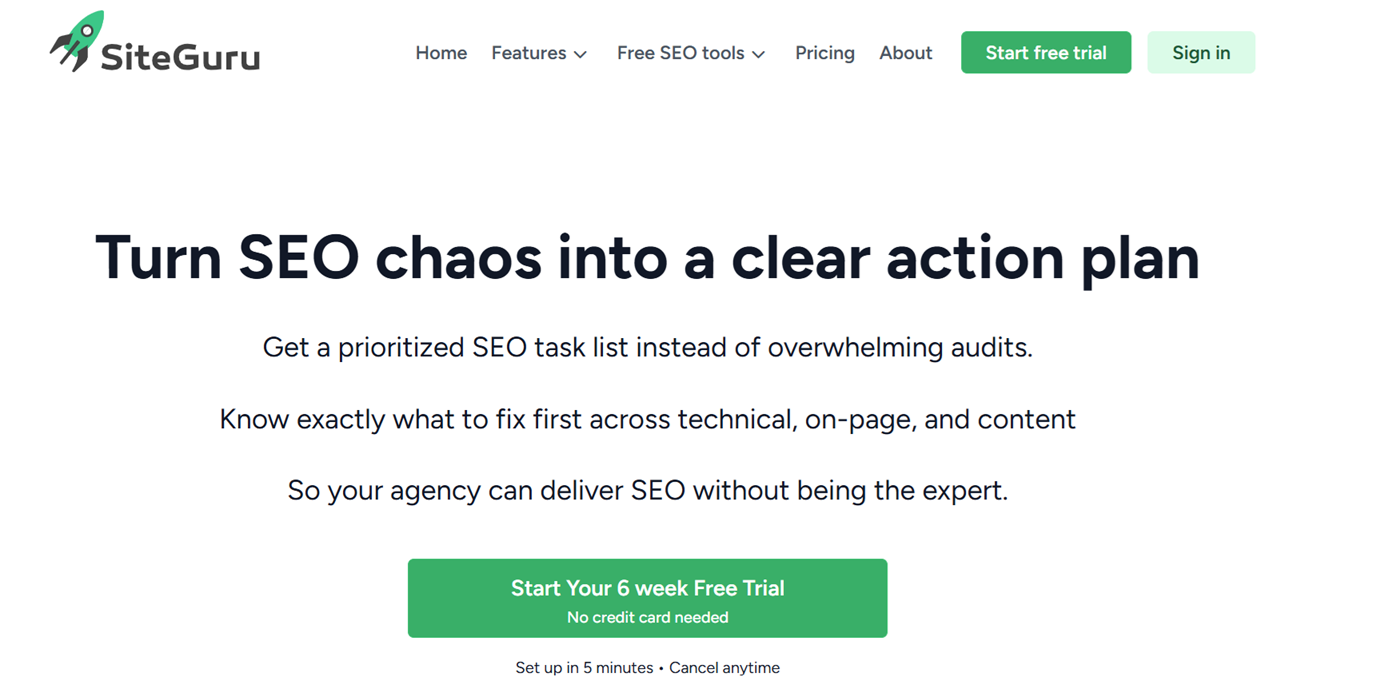
SiteGuru intentionally focuses on simplicity.
Instead of presenting every possible technical metric, it highlights the issues most likely to improve website health and organic performance.
This makes it attractive to website owners without dedicated technical SEO teams.
Best For
Website owners
Bloggers
Small businesses
Beginners
Key Features
Technical audits
SEO recommendations
Content insights
Search Console integration
Progress tracking
Prioritized issues
Pros
✔ Easy to understand
✔ Fast setup
✔ Actionable recommendations
✔ Affordable
✔ Great onboarding
Cons
Limited enterprise capabilities
Less customizable
Not intended for advanced technical investigations
Pricing
Subscription plans based on website size.
Why Choose SiteGuru?
If your priority is actionable recommendations instead of highly technical crawl reports, SiteGuru provides a more approachable experience.
10\. Google Search Console
Best Free Screaming Frog Alternative
Overview
Google Search Console is often overlooked in "Screaming Frog alternative" articles because it isn't technically a crawler.
However, it provides something every crawler lacks:
Google's own perspective of your website.
Instead of estimating indexing status, Search Console reports what Google has actually indexed, discovered, or excluded.
Every technical SEO workflow should include Search Console regardless of which crawler you choose.
Best For
Every website owner
Beginners
Agencies
Enterprise teams
Key Features
Index Coverage
URL Inspection
Performance reports
Sitemap submission
Core Web Vitals
Mobile usability
Manual actions
Security issues
Pros
✔ Free
✔ Direct Google data
✔ Essential for SEO
✔ Performance reporting
✔ Index diagnostics
Cons
Doesn't crawl like Screaming Frog
Limited historical data
Doesn't replace a technical crawler
Why Use Search Console with Screaming Frog?
Search Console and crawlers answer different questions.
Together, they create a much more complete technical SEO workflow.
Crawl Errors vs. Indexing Errors
One area where many comparison articles fall short is explaining the distinction between crawl issues and indexing issues.
They are not the same.
Crawl Errors | Indexing Errors |
|---|---|
Broken links | Crawled but not indexed |
Redirect chains | Duplicate without canonical |
Missing metadata | Alternate page |
Canonical conflicts | Soft 404 |
Internal linking | Excluded by robots |
Page depth | Discovered but not indexed |
A page can pass every technical crawl check and still fail to rank because Google decides not to index it.
Likewise, an indexed page may still contain technical issues that reduce crawl efficiency or user experience.
Understanding this distinction helps prioritize the right fixes.
30+ Feature Comparison Matrix
Feature | Nuwtonic | Sitebulb | Ahrefs | Semrush | JetOctopus | Oncrawl | Lumar | SE Ranking | SiteGuru | GSC |
|---|---|---|---|---|---|---|---|---|---|---|
Desktop Crawl | ❌ | ✅ | ❌ | ❌ | ❌ | ❌ | ❌ | ❌ | ❌ | ❌ |
Cloud Crawl | ✅ | ✅ | ✅ | ✅ | ✅ | ✅ | ✅ | ✅ | ✅ | Google Data |
Scheduled Crawls | ✅ | ✅ | ✅ | ✅ | ✅ | ✅ | ✅ | ✅ | ✅ | Continuous |
Broken Links | ✅ | ✅ | ✅ | ✅ | ✅ | ✅ | ✅ | ✅ | ✅ | Partial |
Redirect Chains | ✅ | ✅ | ✅ | ✅ | ✅ | ✅ | ✅ | ✅ | Limited | ❌ |
Canonical Checks | ✅ | ✅ | ✅ | ✅ | ✅ | ✅ | ✅ | ✅ | Limited | Partial |
XML Sitemap Audit | ✅ | ✅ | ✅ | ✅ | ✅ | ✅ | ✅ | ✅ | Limited | Submission |
Robots.txt Analysis | ✅ | ✅ | ✅ | ✅ | ✅ | ✅ | ✅ | Limited | Limited | Partial |
JavaScript Rendering | ✅ | ✅ | ✅ | Limited | ✅ | ✅ | ✅ | Limited | ❌ | ❌ |
Internal Linking | ✅ | ✅ | ✅ | ✅ | ✅ | ✅ | ✅ | Limited | Limited | Partial |
Duplicate Content | ✅ | ✅ | ✅ | ✅ | ✅ | ✅ | ✅ | Limited | Limited | ❌ |
Crawl Budget Insights | Partial | ❌ | Partial | Partial | ✅ | ✅ | Partial | ❌ | ❌ | Partial |
Log File Analysis | Planned / Limited | ❌ | ❌ | ❌ | ✅ | ✅ | Limited | ❌ | ❌ | ❌ |
AI Search Optimization | ✅ | ❌ | ❌ | Limited | ❌ | ❌ | ❌ | ❌ | ❌ | ❌ |
AI Visibility Tracking | ✅ | ❌ | ❌ | ❌ | ❌ | ❌ | ❌ | ❌ | ❌ | ❌ |
Keyword Research | ✅ | ❌ | ✅ | ✅ | ❌ | ❌ | ❌ | ✅ | ❌ | Query Data |
Content Optimization | ✅ | ❌ | Limited | ✅ | ❌ | ❌ | ❌ | Limited | Limited | ❌ |
Competitor Analysis | ✅ | ❌ | ✅ | ✅ | ❌ | ❌ | ❌ | ✅ | ❌ | ❌ |
SEO Automation | ✅ | ❌ | Limited | Limited | ❌ | ❌ | Partial | Limited | Limited | ❌ |
Team Collaboration | ✅ | Limited | ✅ | ✅ | ✅ | ✅ | ✅ | ✅ | Limited | Google Account |
API Access | Planned / Varies | Limited | ✅ | ✅ | ✅ | ✅ | ✅ | Limited | ❌ | ✅ |
White-Label Reports | Planned | ✅ | ❌ | ✅ | ❌ | ❌ | Limited | ✅ | ❌ | ❌ |
AI Content Generation | ✅ | ❌ | ❌ | Limited | ❌ | ❌ | ❌ | ❌ | ❌ | ❌ |
Which Tool Should You Choose?
Choose Nuwtonic if...
You want technical SEO plus AI Search optimization.
You prefer an integrated workflow over juggling multiple SEO tools.
Your team creates content, monitors competitors, and manages ongoing optimization.
You want SEO automation rather than manual issue tracking.
Choose Sitebulb if...
You frequently conduct technical audits and need visual reports that clients and stakeholders can easily understand.
Choose Ahrefs if...
You already rely on Ahrefs for backlinks and keyword research and want technical audits within the same ecosystem.
Choose Semrush if...
Your SEO team also manages PPC, content marketing, social media, and competitor research.
Choose JetOctopus if...
Your website has hundreds of thousands—or millions—of pages and crawl budget optimization is a priority.
Choose Oncrawl if...
You make SEO decisions based on analytics, server logs, and integrated business data.
Choose Lumar if...
You operate at enterprise scale and require governance, collaboration, and continuous monitoring across multiple teams.
Choose SE Ranking if...
You're looking for a cost-effective, all-in-one SEO toolkit with a solid balance of features.
Choose SiteGuru if...
You want simple, actionable technical recommendations without a steep learning curve.
Choose Google Search Console if...
You need direct visibility into how Google crawls, indexes, and reports on your website. It should complement—not replace—a technical SEO crawler.
Nuwtonic vs Screaming Frog: Which One Should You Choose?
This is perhaps the most important comparison in this guide.
While both platforms help improve website visibility, they solve different generations of SEO problems.
Screaming Frog was built for an era where technical SEO was largely about crawling websites and identifying issues.
Nuwtonic is designed for a broader SEO workflow where technical health, content, AI Search visibility, automation, and continuous optimization work together.
Neither approach is inherently "better"—the right choice depends on your goals.
Category | Nuwtonic | Screaming Frog |
|---|---|---|
Website Crawling | ✅ | ✅ |
Desktop Software | ❌ | ✅ |
Cloud Platform | ✅ | ❌ |
Broken Link Detection | ✅ | ✅ |
Redirect Analysis | ✅ | ✅ |
Canonical Audits | ✅ | ✅ |
XML Sitemap Analysis | ✅ | ✅ |
Robots.txt Validation | ✅ | ✅ |
Internal Link Analysis | ✅ | ✅ |
Keyword Research | ✅ | ❌ |
Content Optimization | ✅ | ❌ |
AI Search Optimization | ✅ | ❌ |
AI Visibility Tracking | ✅ | ❌ |
Competitor Analysis | ✅ | ❌ |
SEO Automation | ✅ | ❌ |
Team Collaboration | ✅ | Limited |
AI Content Generation | ✅ | ❌ |
Ongoing Optimization | ✅ | Manual |
Best For | Modern SEO Teams | Technical SEO Specialists |
The Biggest Difference Isn't Crawling
Many comparison articles focus almost entirely on crawl speed, JavaScript rendering, or memory usage.
Those are important—but they miss the bigger picture.
The real distinction lies in what happens after the crawl finishes.
Traditional Workflow
Run Crawl

↓

Find Errors

↓

Export CSV

↓

Open Spreadsheet

↓

Prioritize Issues

↓

Assign Tasks

↓

Fix Website

↓

Run Crawl Again
Modern SEO Workflow
Monitor Website

↓

Identify Opportunities

↓

Prioritize by Impact

↓

Generate Optimized Content

↓

Improve AI Search Visibility

↓

Track Competitors

↓

Automate Repetitive Tasks

↓

Continuously Optimize
This reflects how SEO has evolved from periodic audits to continuous optimization.
SEO Has Shifted From Diagnostics to Execution
One of the biggest changes over the last few years is that finding issues is no longer the hardest part of SEO.
Execution is.
Almost every technical SEO tool can tell you:
You have 27 broken links.
Your H1 is missing.
Your page title is too long.
Your canonical tag is incorrect.
But relatively few platforms help answer questions like:
Which fixes will have the highest business impact?
Which content topics are missing?
Why is a competitor cited in AI-generated answers instead of your site?
Which pages should be updated first?
Where are your topical authority gaps?
Which optimizations can be automated?
This shift—from diagnostics to execution—is reshaping the SEO software landscape.
Which Tool Fits Your Website?
Small Business Websites
Recommended
SE Ranking
SiteGuru
Google Search Console
These tools are affordable, straightforward, and cover the essentials without overwhelming smaller teams.
Agencies
Recommended
Nuwtonic
Sitebulb
Ahrefs
Semrush
Agencies often need a combination of technical auditing, client reporting, keyword research, and ongoing optimization.
SaaS Companies
Recommended
Nuwtonic
Ahrefs
SaaS businesses typically publish content regularly, compete in crowded search markets, and benefit from combining technical SEO with content workflows and AI search optimization.
Ecommerce Websites
Recommended
JetOctopus
Lumar
Oncrawl
Large product catalogs create unique crawling and indexing challenges that enterprise platforms are designed to handle.
Enterprise Organizations
Recommended
Lumar
Oncrawl
JetOctopus
These solutions emphasize scalability, governance, collaboration, and advanced analytics.
Decision Matrix
If You Want... | Choose |
|---|---|
The best desktop crawler | Screaming Frog |
AI Search optimization | Nuwtonic |
Enterprise crawling | JetOctopus |
Cloud technical SEO | Ahrefs |
Marketing suite | Semrush |
Enterprise workflows | Lumar |
Log file analysis | Oncrawl |
Budget SEO platform | SE Ranking |
Simple recommendations | SiteGuru |
Free Google insights | Google Search Console |
What is the best alternative to Screaming Frog?
It depends on your priorities.
If you want another dedicated crawler, Sitebulb and JetOctopus are strong options.
If you want a broader SEO platform that combines technical SEO with AI search optimization, content workflows, and automation, Nuwtonic offers a different approach.
Is Screaming Frog still worth using?
Yes.
Screaming Frog remains one of the most capable desktop website crawlers available.
Its technical depth, customization, and reliability continue to make it a valuable tool for technical SEO professionals.
Is there a free Screaming Frog alternative?
Google Search Console provides valuable indexing and performance data at no cost, though it is not a replacement for a crawler.
Some commercial tools also offer limited free plans or trials.
Which Screaming Frog alternative is best for agencies?
Agencies often benefit from platforms that combine technical SEO with reporting, collaboration, keyword research, and ongoing optimization.
Popular choices include Nuwtonic, Ahrefs, Semrush, and Sitebulb.
Which Screaming Frog alternative is best for ecommerce?
Large ecommerce websites usually require scalable cloud crawling and crawl budget insights.
JetOctopus, Lumar, and Oncrawl are well suited to these environments.
Which tool is easiest for beginners?
SiteGuru and SE Ranking are often considered approachable thanks to their guided recommendations and simplified interfaces.
Which alternative supports AI Search optimization?
Among the tools compared in this guide, Nuwtonic is designed to include AI search optimization workflows alongside technical SEO.
Which crawler handles millions of URLs?
Enterprise platforms such as JetOctopus and Lumar are built to manage very large websites with extensive URL inventories.
Can Screaming Frog monitor rankings?
No.
Its primary focus is website crawling and technical analysis.
Rank tracking typically requires dedicated SEO platforms.
Can Screaming Frog generate SEO content?
No.
Content generation is outside its intended scope.
Does technical SEO still matter with AI Search?
Absolutely.
AI-powered search systems still rely on accessible, well-structured, and authoritative web content.
Technical SEO supports discoverability, crawl efficiency, and content quality—all of which remain important regardless of how search results are presented.
What is the biggest limitation of desktop crawlers?
Desktop crawlers require local computing resources and are typically run manually unless integrated into scheduled workflows.
Cloud platforms can simplify continuous monitoring and collaboration.
Should I replace Screaming Frog completely?
Not necessarily.
Many SEO professionals continue to use Screaming Frog alongside cloud platforms, analytics tools, and AI-driven workflows.
The best combination depends on your objectives and team structure.
Key Takeaways
The "best" Screaming Frog alternative depends less on feature count and more on how your SEO team works.
If your focus is deep technical analysis, dedicated crawlers remain excellent choices.
If your organization values cloud collaboration, scheduled monitoring, or enterprise governance, cloud-based platforms may be more appropriate.
If your workflow increasingly spans technical SEO, content strategy, AI search visibility, competitor intelligence, and automation, integrated platforms can reduce context switching and simplify execution.
Rather than asking, "Which tool has the most features?", ask:
"Which tool best supports the way our team actually performs SEO?"
That question often leads to a better long-term decision.
Final Verdict
Best For | Recommended Tool |
|---|---|
Overall AI SEO Platform | ⭐ Nuwtonic |
Technical Desktop Crawling | Screaming Frog |
Visual Technical Audits | Sitebulb |
Cloud Technical SEO | Ahrefs |
Marketing Teams | Semrush |
Enterprise Crawling | JetOctopus |
Data-Driven SEO | Oncrawl |
Enterprise Governance | Lumar |
Budget-Conscious Teams | SE Ranking |
Beginners | SiteGuru |
Free Technical Insights | Google Search Console |
Conclusion
Screaming Frog continues to set the benchmark for desktop technical SEO crawling and remains an essential tool for many professionals.
However, the demands of modern SEO have expanded well beyond identifying technical issues.
Today's teams increasingly need platforms that connect technical health with content strategy, AI search visibility, competitor insights, automation, and continuous optimization.
The right choice isn't about replacing Screaming Frog—it’s about selecting the platform that best aligns with your team's workflow, website complexity, and long-term SEO goals.
Whether you're managing a small business website, a fast-growing SaaS product, a large ecommerce catalog, or an enterprise digital ecosystem, there's now a broader range of solutions designed for different stages of SEO maturity.
As search continues to evolve with AI-driven experiences, the most effective SEO platforms will be those that not only diagnose problems but also help teams prioritize, execute, and measure meaningful improvements over time.


