You sign up for an SEO tool on Monday, run the first audit, and by lunch you have a list of problems longer than your marketing plan. Broken links, missing metadata, weak pages, indexing issues, low CTR queries. The report looks useful. It still leaves one question unanswered: what should you fix first if you want more traffic and more leads?
That gap matters more for a small business than the size of the dashboard. A founder, marketer, or office manager rarely needs another pile of diagnostics. They need a tool that helps turn findings into published updates, technical fixes, and pages that can win searches.
That is the lens for this guide. Instead of treating every platform as a feature checklist, it looks at the job each one does best. Some tools are built for reporting. Some are built for research. A smaller group helps you move from Google Search Console data into executed work, including workflows for classic SEO and AI search visibility. If you want a clearer picture of that approach, see how Nuwtonic connects GSC insights to action.
Free Google tools still belong in the stack. Search Console, GA4, Keyword Planner, and Google Business Profile cover a lot of ground before you spend a dollar. For many small sites, that baseline is enough to spot demand, measure performance, and catch obvious technical issues.
The main decision starts after that. Pay for broader reporting, pay for deeper research, or pay for a tool that helps your team ship fixes faster.
This guide stays focused on that trade-off: which tool earns its cost, what job it handles well, where it creates extra work, and how to choose a setup that drives traffic instead of just producing reports.
Table of Contents
- 1. Nuwtonic
- 2. Google Search Console
- 3. Semrush
- 4. Ahrefs
- 5. SE Ranking
- 6. Screaming Frog SEO Spider
- 7. BrightLocal
- 8. Surfer
- 9. Rank Math (WordPress)
- 10. Mangools
- Top 10 SEO Tools for Small Business, Quick Comparison
- From Tool to Traffic Your First Actionable Steps
1. Nuwtonic
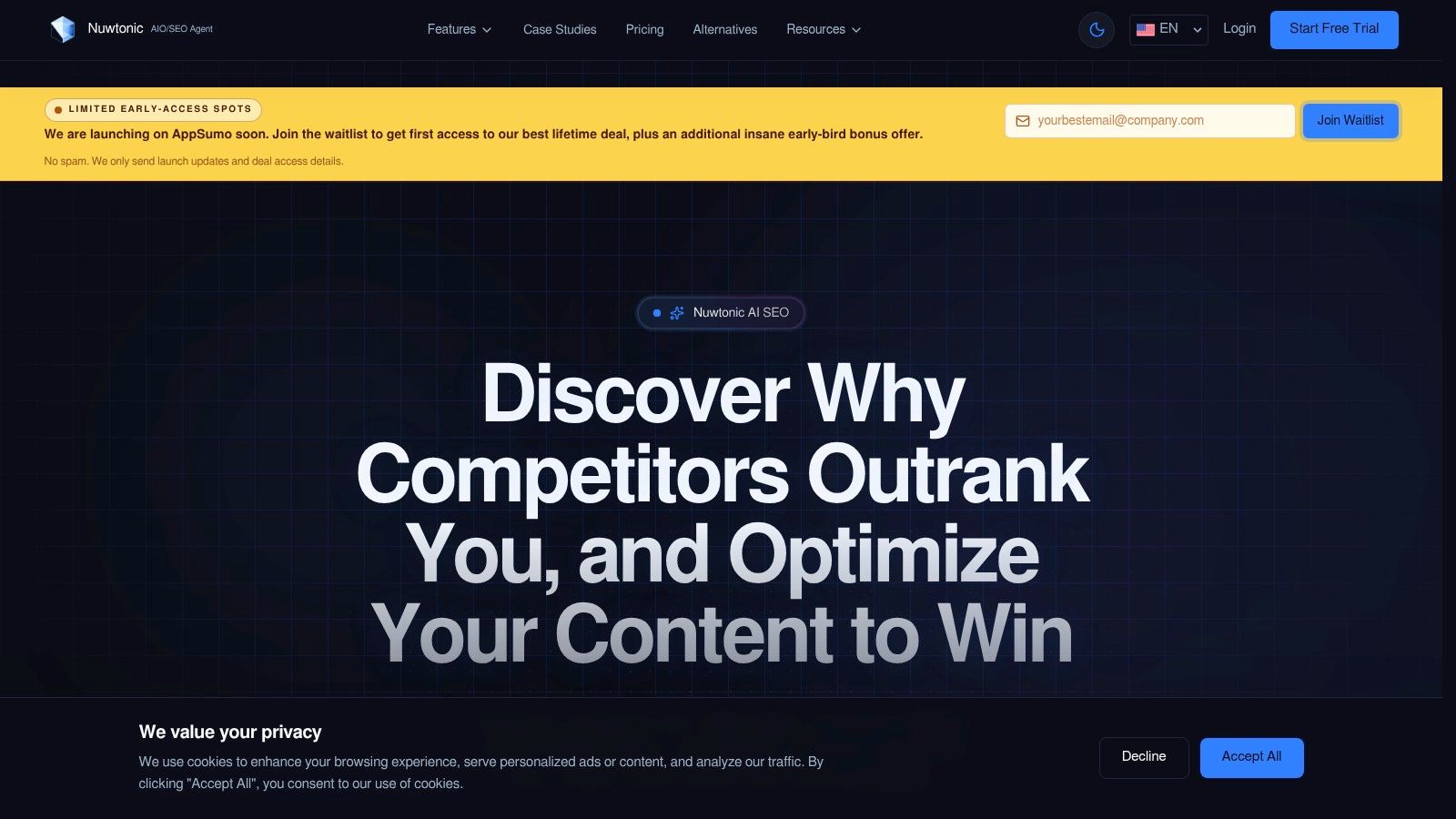
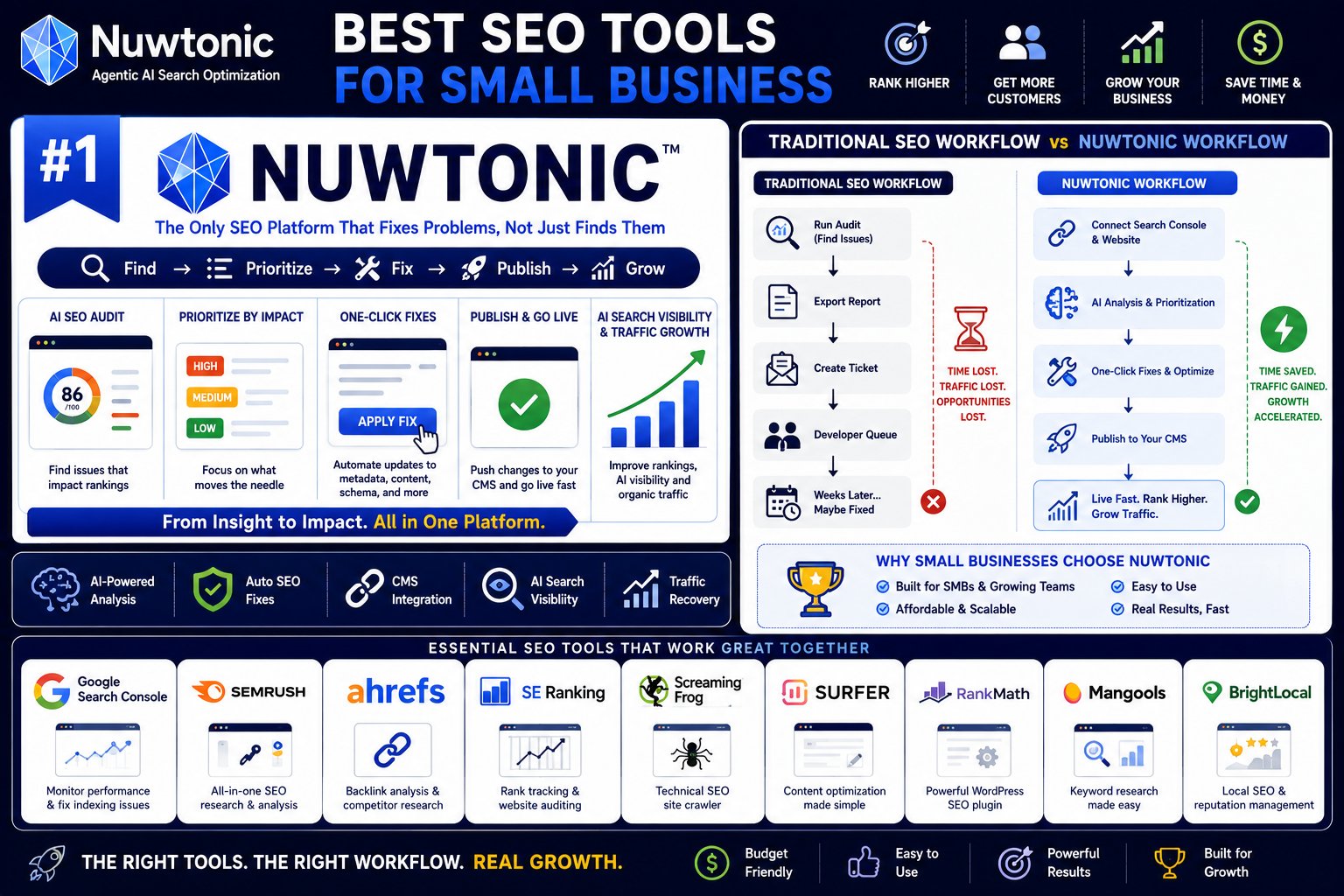
Most SEO platforms stop at “here's what's wrong.” Nuwtonic is built for the next step. It connects to Search Console data, prioritizes issues by likely impact, then helps teams apply fixes across metadata, schema, alt text, content updates, and CMS publishing from one workspace.
If your current process looks like this, export report, send ticket, wait for dev, chase approval, forget page, then Nuwtonic is solving the right problem. It's less of a reporting tool and more of an execution layer for SEO and AI search visibility.
Why Nuwtonic stands out
The product is AI-native, but the useful part isn't the buzzword. The useful part is that it ties analysis to action. You can review fixes before deployment, route work through permissions, and push approved changes instead of handing someone a spreadsheet and hoping they get to it.
For businesses trying to understand what the platform is, Nuwtonic's platform overview gives the clearest starting point.
Practical rule: If your team already knows what needs fixing but can't ship changes consistently, another reporting suite won't help. You need a workflow tool.
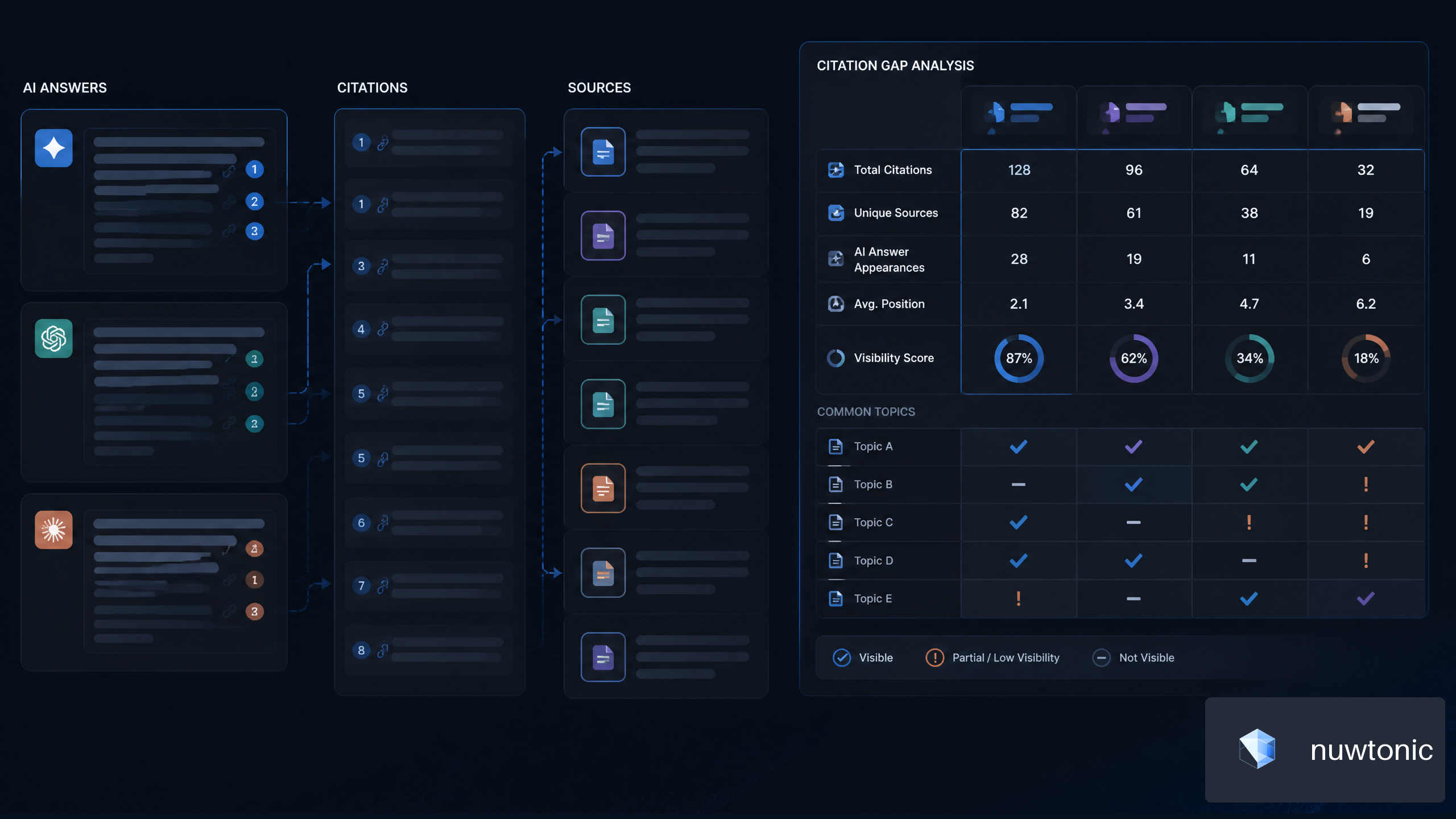
Nuwtonic also leans into a gap that a lot of traditional platforms still handle poorly. AI search visibility. Current industry roundups increasingly mention AI visibility features, but they usually stop at product mentions and don't explain how an SMB should measure citation presence or prompt coverage in a repeatable way (Zapier's roundup on SEO tools and AI search features). Nuwtonic is one of the few options built around that workflow directly.
Where it fits best
This is strongest for teams that need to act fast across many URLs. Agencies, in-house marketers, ecommerce teams, and startup operators usually feel the value fastest because delays kill momentum. When your site changes often, or you want one system for traditional SEO plus GEO work, Nuwtonic earns attention.
There are trade-offs. A credit-based execution model means you need to understand usage before rolling it out widely. And if your CMS setup is messy or approvals are tightly controlled, implementation takes planning.
Still, among the best SEO tools for small business, Nuwtonic is one of the few that closes the gap between “we found it” and “we fixed it.”
- Best for: Teams that need execution, not just dashboards
- Less ideal for: Owners who only want lightweight rank tracking
- Website: Nuwtonic
2. Google Search Console
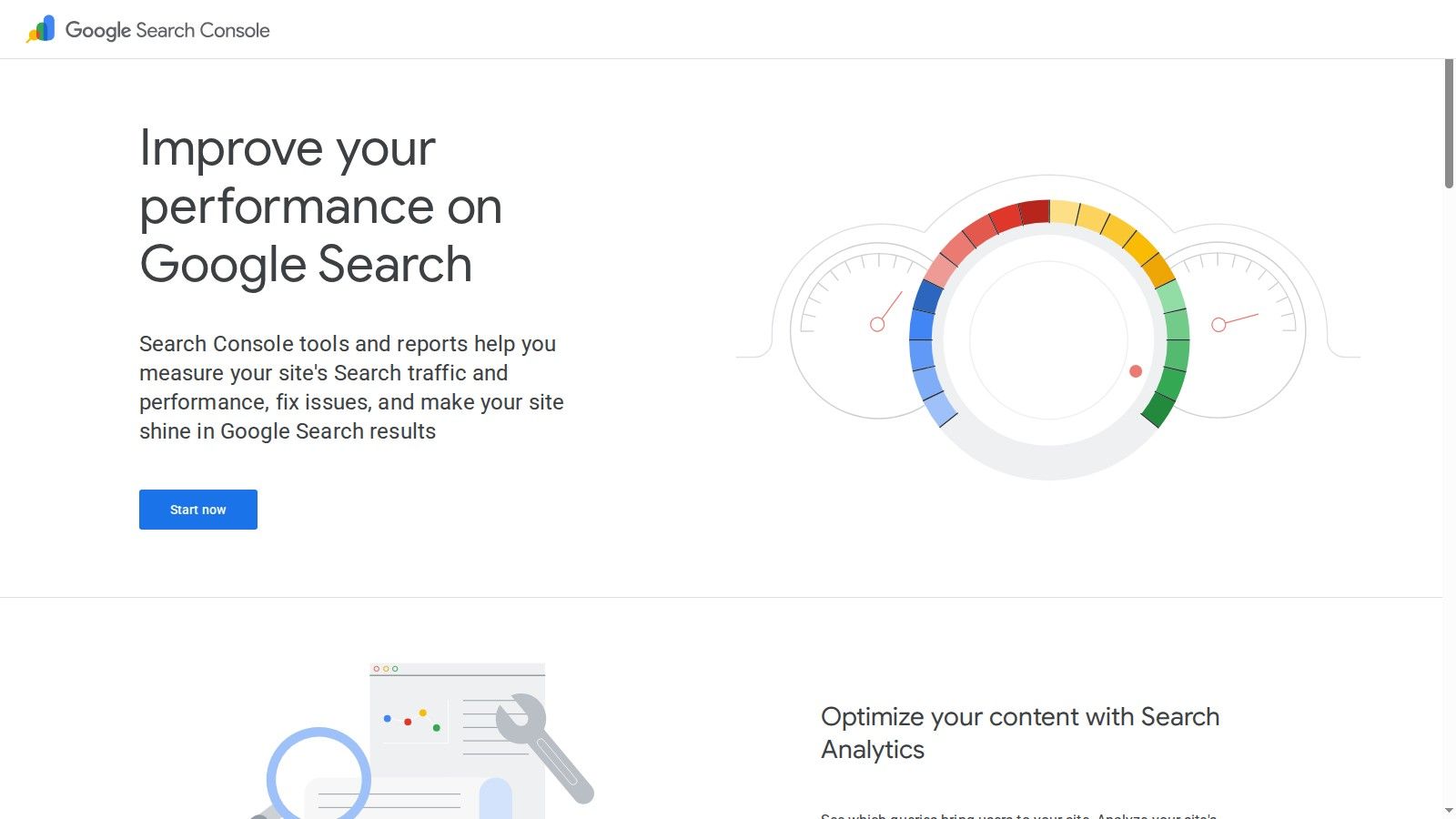
If you own a website and you're not using Google Search Console, don't buy anything else yet. It's your direct line to what Google is indexing, showing, and clicking. No third-party tool can replace that first-party view for your own property.
For small businesses, this is still the baseline. Independent roundups keep placing Google Search Console and Google Analytics at the center of the most cost-effective SEO stack, with paid tools added only when you need broader research, auditing, or tracking workflows (cost-effective SEO stack guidance).
What it does better than paid tools
Search Console tells you which queries trigger impressions, which pages win clicks, where indexing breaks, and where your visibility drops. That's not glamorous, but it's the foundation for nearly every useful SEO decision.
It also helps with one of the most common problems on growing sites. Multiple pages competing for the same intent. If that's on your radar, this walkthrough on finding keyword cannibalization in GSC is worth using as a working method.
What it doesn't do is competitor research. It won't show you who's outranking you, what backlinks they've earned, or how a topic cluster should be built. That's why it stays essential but rarely stays sufficient by itself.
Search Console is where I verify reality. If a paid tool says a page should be winning and GSC says it isn't getting impressions, I trust GSC.
Use it to identify pages with visibility but weak CTR, pages losing clicks, and URLs that aren't indexing cleanly. Then pair it with something that helps you research or implement fixes.
- Best for: Every site owner, no exceptions
- Less ideal for: Competitive research and outreach work
- Website: Google Search Console
3. Semrush
You hit the point where free tools stop being enough. Rankings need tracking, competitors need watching, technical issues need a regular audit, and keyword research is scattered across tabs. Semrush is built for that stage.
Its job is breadth. One platform for keyword research, site audits, rank tracking, backlink review, competitor analysis, and content planning. For a small business, that matters when the primary bottleneck is time. Managing four lighter tools can cost less in subscription fees and more in owner attention.
The trade-off is price and complexity. Semrush lists its plans on its own pricing page, and for many small businesses that monthly cost only makes sense if the tool gets used every week, not once a quarter.
Where Semrush earns its keep
Semrush works best when one person wears multiple hats or a lean team needs a shared workspace. It is strong at turning scattered SEO work into a repeatable process. You can research a term, check who already ranks, audit the page that should target it, and track whether the fix worked.
That makes it more useful than a reporting-only tool. The value is not just seeing that traffic is flat. The value is getting from diagnosis to the next action without changing systems three times.
I would still be careful here. Semrush can produce a lot of charts, scores, and recommendations. If nobody on the team owns execution, you end up buying visibility into problems instead of fixing them. Small businesses usually need fewer dashboards and more completed updates.
If you are comparing the major all-in-one platforms, this Ahrefs vs Semrush vs Moz comparison is a useful next step because the right choice often comes down to workflow fit, not feature count.
Semrush is a solid choice for businesses that need one system to manage research and ongoing SEO operations. It is a weaker fit for owners with a tight budget, a simple local site, or a clear preference for using Google Search Console plus a few lower-cost specialist tools. If your priority is turning GSC data into published fixes and AI search visibility work, a more execution-focused workflow can be the better buy.
- Best for: SMBs that want one broad SEO platform with research, tracking, and audit workflows in one place
- Less ideal for: Businesses with very small budgets or teams that will not act on the data
- Website: Semrush pricing
4. Ahrefs
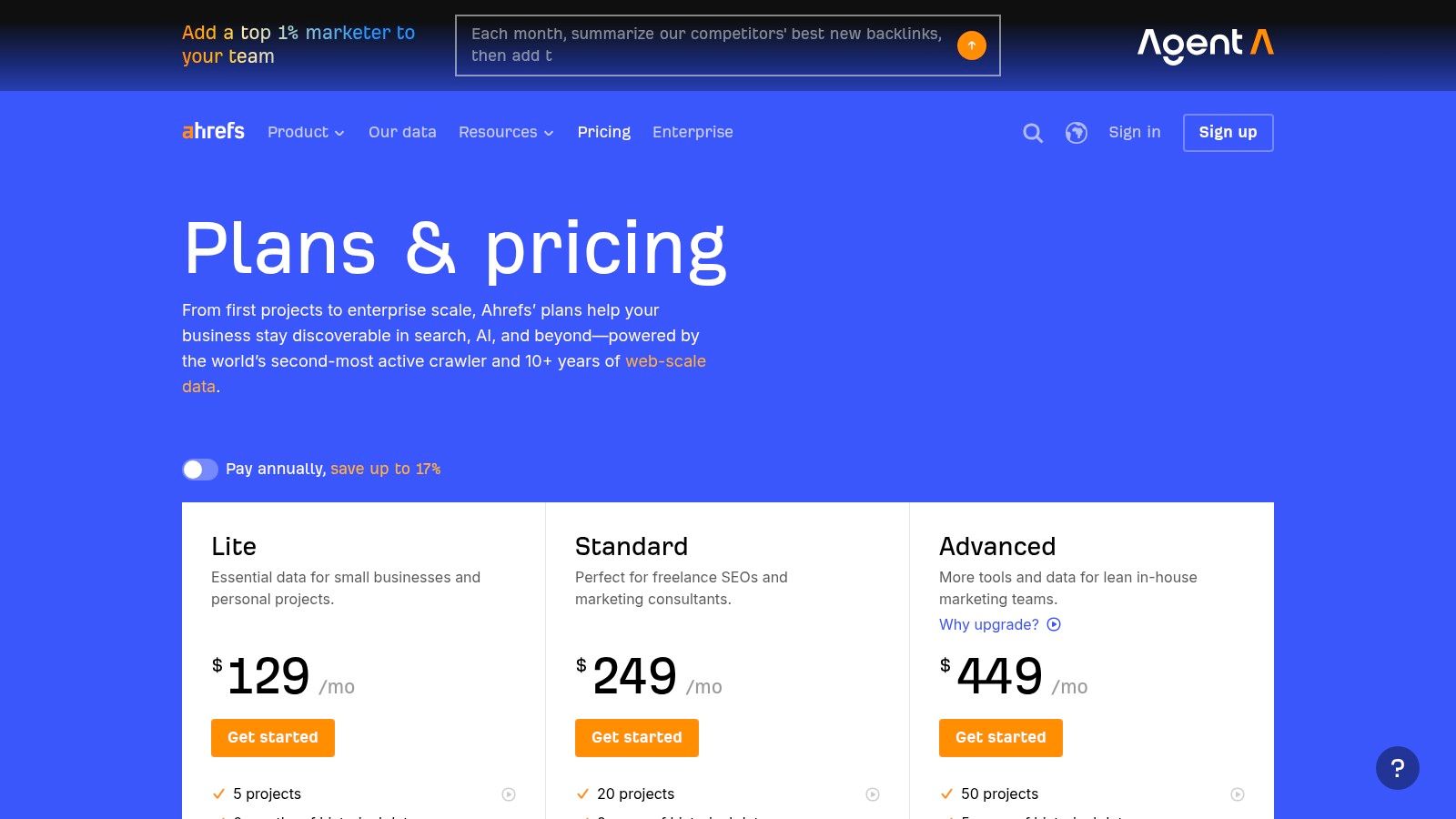
A small business usually buys Ahrefs for one job. Find proven search opportunities faster than you could with Google Search Console alone.
It is strong when the question is, "What is already driving traffic in my market, and where can we realistically compete?" Ahrefs answers that well. You can pull competitor pages, inspect backlink profiles, spot topic gaps, and see which content formats are earning visibility.
That makes Ahrefs a strong research platform, especially for content-led businesses, agencies, and in-house teams with someone who can turn findings into published updates. It is less helpful for an owner who wants the software to hand over a prioritized fix list and push work through to execution. If your workflow is centered on turning GSC data into implemented page fixes, Ahrefs usually plays the research role, not the action layer.
Price is part of the decision. Ahrefs sits in the premium tier for small businesses, so the ROI depends on whether your team will use the data to make decisions on content, site structure, and link outreach. If you log in once a month, export a few reports, and do nothing with them, it gets expensive fast.
If you are choosing between the major research suites, this Ahrefs vs Semrush vs Moz comparison for SEO workflow fit is the right next read. The practical difference is usually not feature count. It is how your team works after the report is generated.
I use Ahrefs when the job is discovery. I use something else when the job is execution.
- Best for: Competitor analysis, backlink research, content gap discovery
- Less ideal for: Owners who want guided implementation and a clearer path from insight to completed fixes
- Website: Ahrefs pricing
5. SE Ranking
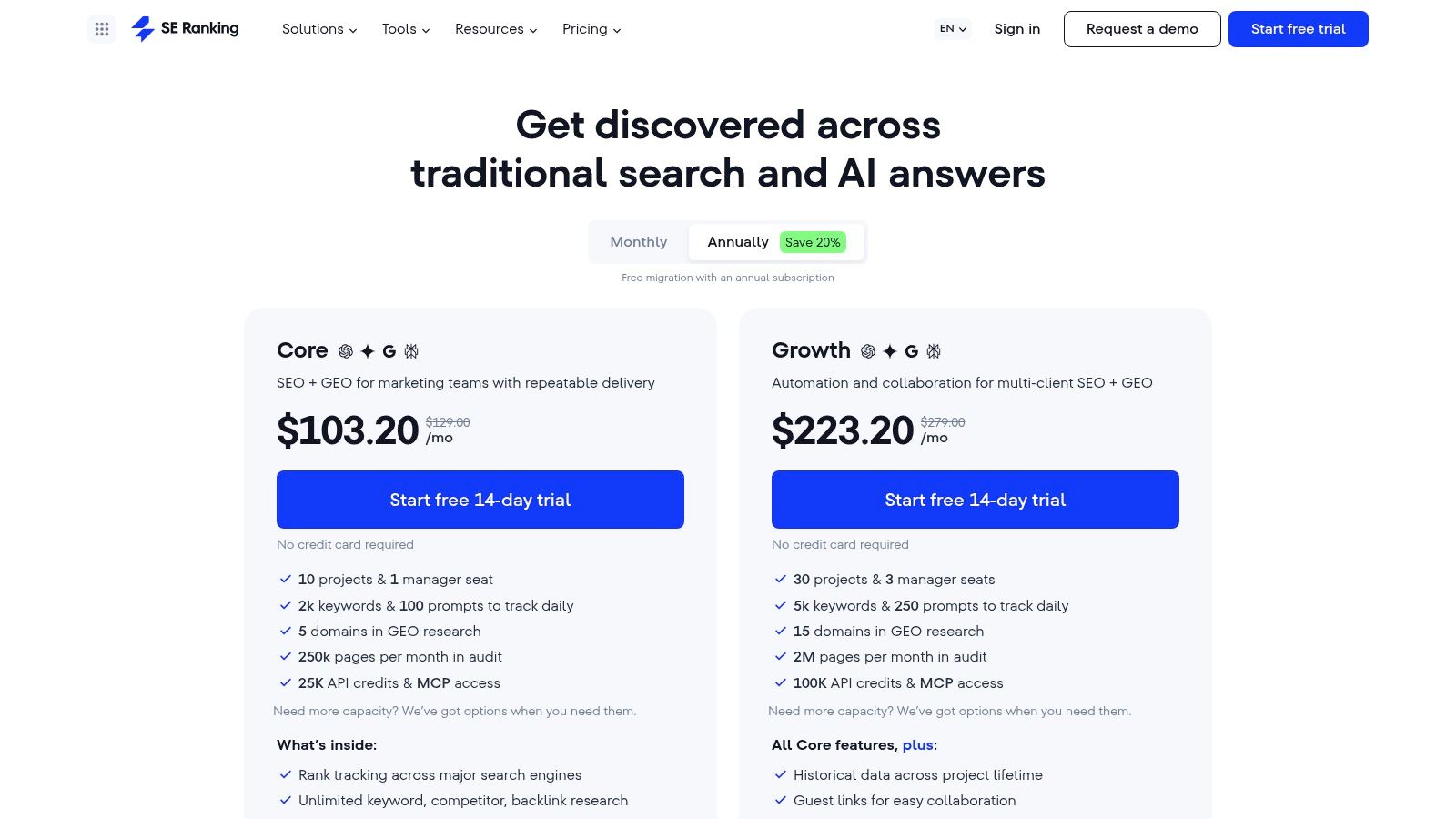
A common small-business setup looks like this. Google Search Console shows impressions slipping, rankings feel unstable, and nobody wants to pay premium-suite prices just to confirm there is a problem. SE Ranking fits that gap well.
The job it handles is straightforward. It gives a small team one place to track rankings, review site issues, research keywords, and send client or owner-friendly reports without buying a heavier platform. For a business that needs enough visibility to make weekly decisions, that usually matters more than having every dataset on the market.
I recommend it most often to owners and lean marketing teams that are past the free-tools-only stage but are not ready for Semrush or Ahrefs pricing. Used alongside Search Console, it covers the monitoring and research layer well. It does not solve execution on its own, which is a key distinction in this guide. Reporting tools help you spot opportunities. Action-oriented workflows help you turn those opportunities into updated pages, internal link changes, and shipped fixes.
That trade-off is why SE Ranking works best for teams with a clear operator. If someone will check rankings, review audit findings, and assign the work, the platform earns its keep. If nobody owns implementation, it can turn into another dashboard full of unresolved issues.
Its pricing stays in the SMB range, which is a big part of the appeal. You get solid coverage without paying for enterprise depth you may never use. The trade-off shows up in larger competitive research projects and more advanced backlink work, where premium suites still go further.
I use SE Ranking when the job is control and consistency on a budget. I use other tools when the job demands deeper research or a tighter path from insight to execution.
- Best for: Small businesses and lean teams that need rank tracking, audits, keyword research, and reporting in one platform
- Less ideal for: Teams that need enterprise-level link intelligence or software that pushes fixes through to execution
- Website: SE Ranking
6. Screaming Frog SEO Spider
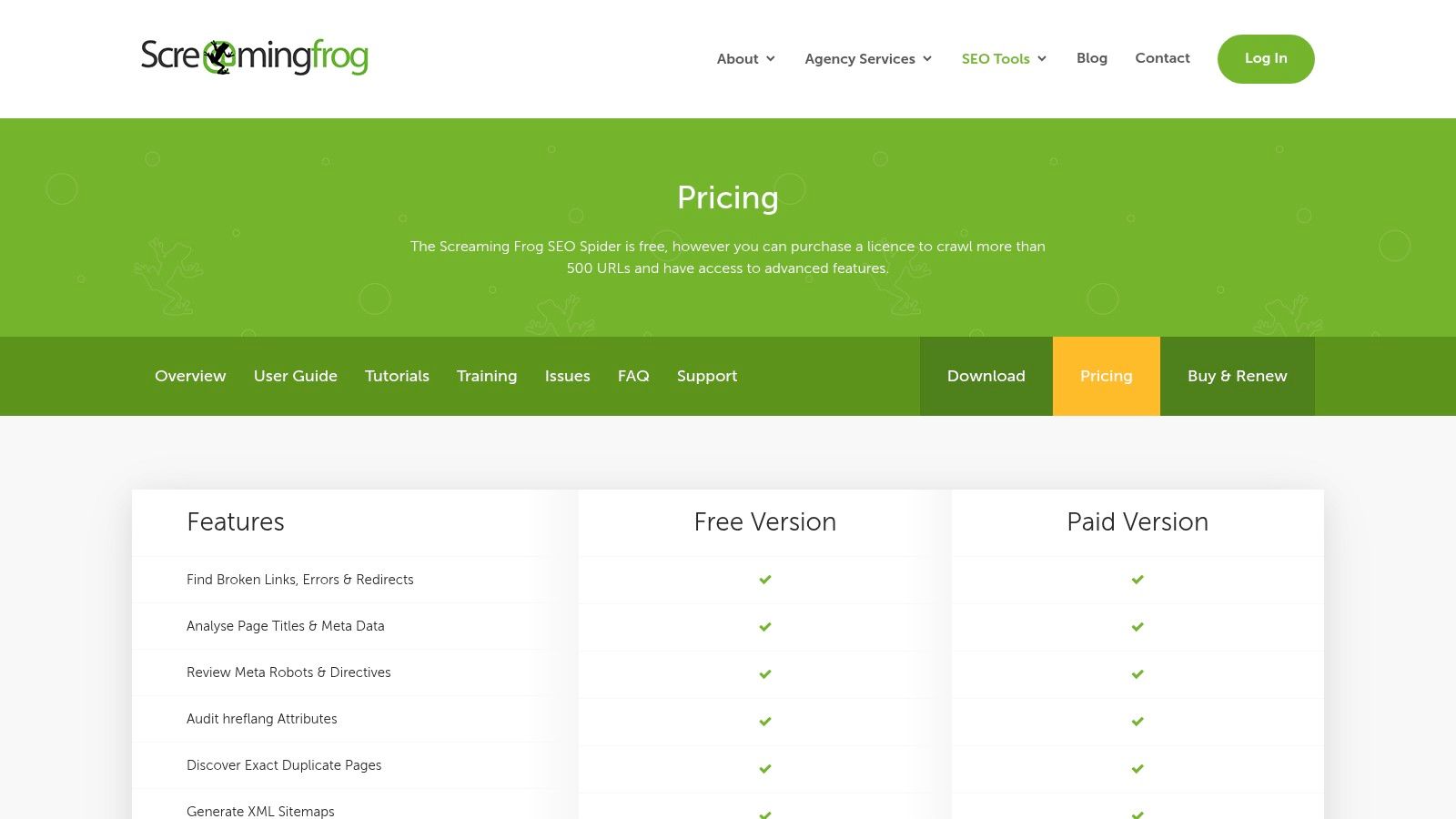
A small business site loses traffic after a redesign. Search Console shows the drop, but not the exact cause. Screaming Frog is the tool that helps you find it. You crawl the site, sort the rows, and see what broke: redirects chained, canonicals misfired, pages noindexed by mistake, or internal links pointing to dead URLs.
That is the job Screaming Frog does well. It turns technical SEO from vague warnings into a fix list.
The free version is useful for smaller sites because it lets you crawl a limited number of URLs before you pay. For brochure sites, local businesses, and compact ecommerce catalogs, that is often enough to catch the obvious problems and decide whether a deeper audit is worth the time.
I use it when the question is operational, not strategic. What changed? Which templates are causing the issue? Which pages share the same bad title pattern? Which images are oversized? Which status codes are wasting crawl budget? Dashboards summarize. Screaming Frog gives you the page-level evidence.
That trade-off matters. It is excellent for finding problems, validating fixes, and checking a site before or after launch. It does not help much with keyword prioritization, competitor research, or content planning. It also does not close the loop into execution on its own. For a small business, that means the tool pays off most when someone can read the crawl and turn it into tickets, edits, or developer tasks.
There is a learning curve. A business owner without technical context can run a crawl and still have no idea which issues matter first. But for technical audits, redirect mapping, metadata QA, and migration checks, it remains one of the most practical tools in the stack.
- Best for: Technical audits, redirect reviews, metadata QA, crawl analysis
- Less ideal for: Keyword research, backlink strategy, or teams that need a built-in path from findings to implementation
- Website: Screaming Frog SEO Spider
7. BrightLocal
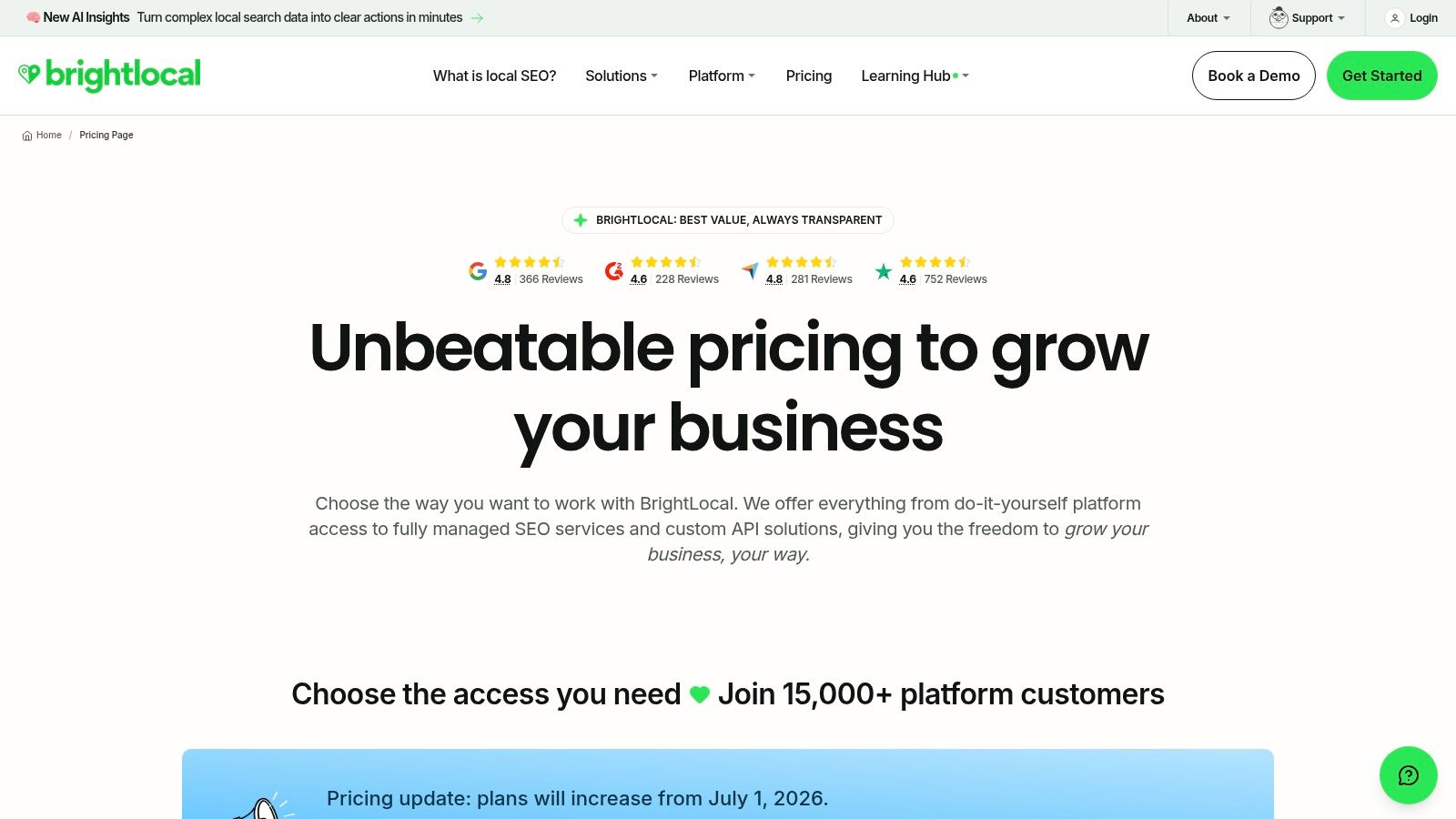
BrightLocal is for a different kind of SEO job. Not national content strategy. Not deep backlink analysis. Local visibility. If your business depends on calls, directions, reviews, and map pack presence, a local-focused tool beats a general SEO suite every time.
This matters most for service businesses and multi-location brands. Dentists, plumbers, med spas, law firms, clinics, home services, franchises.
Best fit for location-driven businesses
BrightLocal is strong because it aligns with how local businesses operate. You care about locations, listings, reviews, local ranking movement, and Google Business Profile management. That's where the platform is useful.
What it won't do is replace a broader suite if you also need national keyword research, link intelligence, or content-market analysis. Most local businesses that grow beyond one market still end up pairing BrightLocal with another platform.
If a customer finds you by searching “near me,” local workflow matters more than enterprise SEO features.
The main caution is pricing complexity once you start layering location-based needs and optional services. Still, for local SEO, it's one of the more practical specialist tools because it focuses on the work that moves local visibility.
- Best for: Local and multi-location businesses
- Less ideal for: Full-spectrum SEO outside local search
- Website: BrightLocal
8. Surfer
You publish a page, it gets some impressions, and then stalls on page two. The topic is right. The page exists. The problem is execution. Surfer is useful for that job.
It helps teams improve content that is already aimed at a known keyword or topic set. I use it more for page refreshes and content briefs than for net-new strategy, because Surfer is strongest after you have already decided what to publish. If your real bottleneck is technical cleanup, internal linking, or figuring out what to target in the first place, another tool should come first.
Best use case for Surfer
Surfer's value is speed and structure. It gives writers and marketers a working draft of what the page may need, including topical coverage, heading direction, and on-page gaps relative to current results. That makes it practical for small teams that need to update pages without running a manual SERP review every time.
The trade-off is simple. Surfer produces recommendations. It does not connect analysis to implementation the way a workflow tool can. A platform tied directly to Search Console data, such as Nuwtonic, is better suited to prioritizing fixes based on real performance and turning those findings into executed work across classic SEO and AI search visibility. Surfer is narrower. It helps improve the page in front of you.
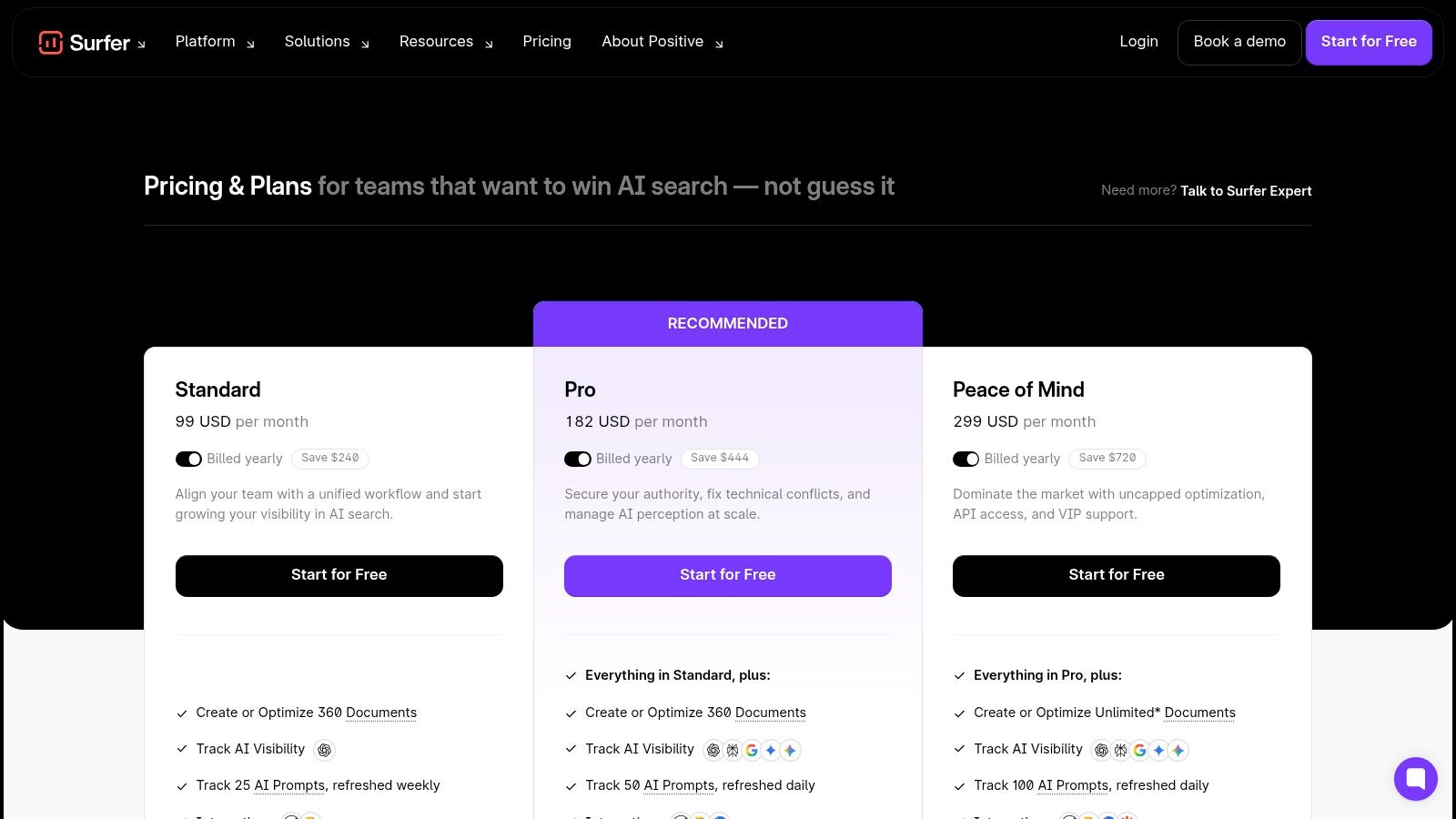
Pricing is meaningful for a small business, so I would only add it if content production is already active and underperforming. If you publish one blog post every few months, the ROI is harder to justify. If you refresh service pages, landing pages, and blog content every month, it can save enough time to earn its place. Current plan details are on Surfer.
The common mistake is chasing the content score. Pages win because they answer the query well, match search intent, and are easy to trust. Use Surfer as a quality check, not as the final word.
- Best for: Content briefs, page refreshes, and on-page optimization for existing targets
- Less ideal for: Technical SEO, backlink work, or teams that need execution workflows instead of content recommendations
- Website: Surfer
9. Rank Math (WordPress)
Rank Math solves a very specific problem well. You run WordPress, you manage pages yourself, and you want on-page controls inside the CMS without installing a mess of separate plugins.
That's why it's popular with small businesses. It reduces friction where work happens.
Why it works well on lean WordPress setups
For WordPress users, Rank Math gives you practical controls in the publishing flow. Titles, schema, redirects, sitemap settings, basic on-page checks. That's useful because it helps site owners ship cleaner pages without handing every change to a developer.
It's not a replacement for research tools or serious audits. It won't tell you what your competitors are doing or whether your site architecture is wasting crawl equity. But if your team writes and publishes directly in WordPress, it removes a lot of day-to-day SEO friction.
The limitation is obvious. Outside WordPress, it has no value. Even inside WordPress, it's best paired with Search Console and at least one external research or audit tool.
- Best for: WordPress site owners who want practical SEO controls in the CMS
- Less ideal for: Non-WordPress businesses or advanced research needs
- Website: Rank Math
10. Mangools
Mangools is what I'd recommend to a solo founder who wants to stop guessing. It's approachable, lighter than the major suites, and good at helping non-specialists validate keyword ideas and watch early traction.
That simplicity is the point. For many small businesses, an easier tool they'll use beats a stronger platform they'll abandon after one week.
Why founders start here
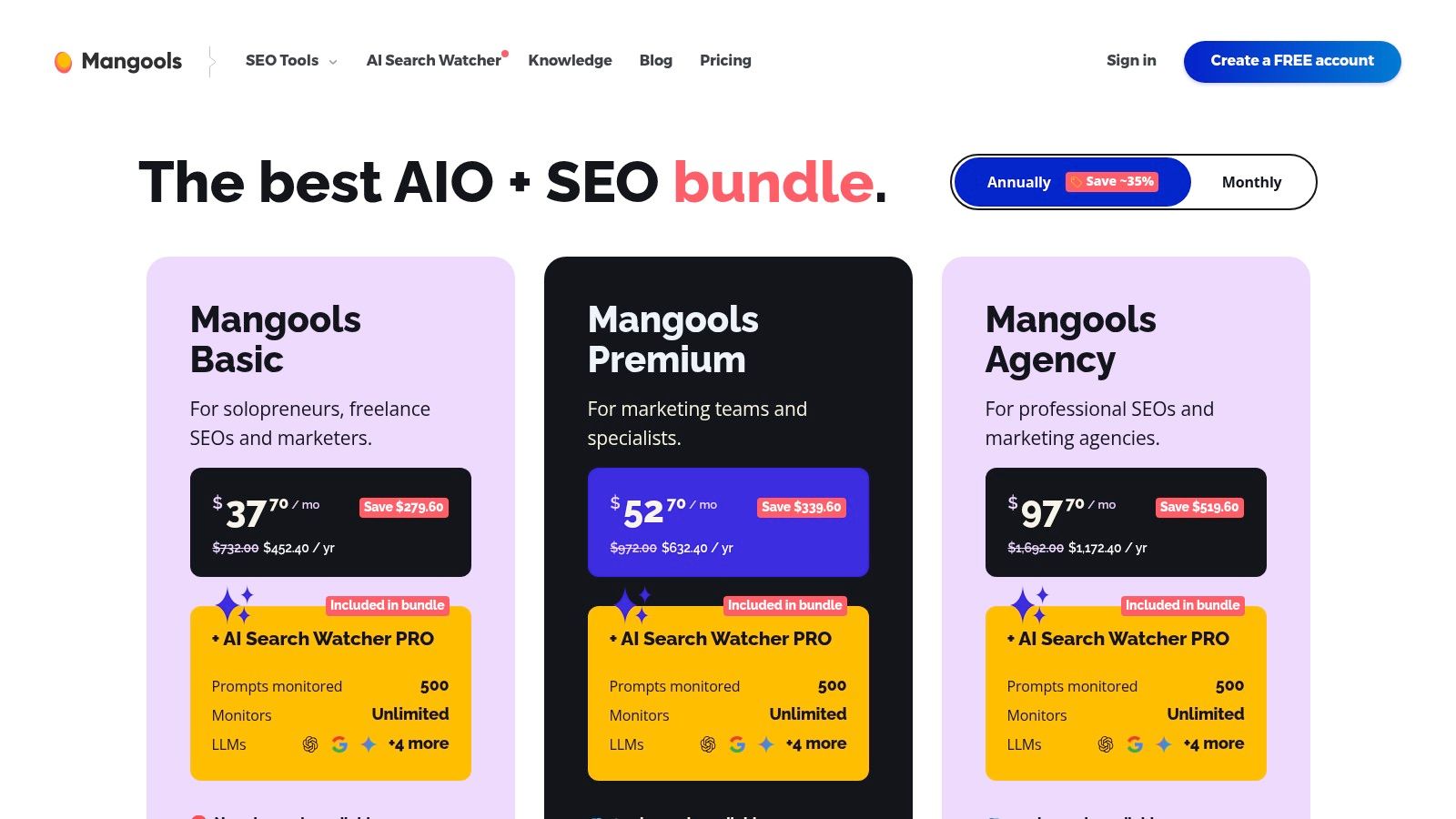
Mangools works well for early-stage SEO because it lowers the intimidation factor. KWFinder, rank tracking, SERP analysis, and basic link checks are enough to support topic selection and basic monitoring without burying you in enterprise features.
It's also a sensible choice if your current problem is content direction, not technical complexity. You want to know whether people search a topic, what the SERP looks like, and whether you can realistically compete. Mangools handles that cleanly.
What it doesn't do well is deep technical work. If your site has crawl, schema, canonical, or internal linking problems, you'll need another tool.
A simple keyword tool is often enough in the first stage. The bigger mistake is publishing blindly.
- Best for: Solo founders, early-stage content planning, lightweight rank tracking
- Less ideal for: Technical SEO or advanced backlink analysis
- Website: Mangools
Top 10 SEO Tools for Small Business, Quick Comparison
| Tool | Core capabilities | UX & quality metrics | Value proposition / outcomes | Best for / Target audience | Price & standout USP |
|---|---|---|---|---|---|
| Nuwtonic | AI Search Agent, GEO audit (120+ checks), on‑page auto‑fixes, CMS pushes, GSC‑driven prioritization, content autopilot | High ROI signals (GSC‑trained impact scores), fast time‑to‑fix, review‑before‑deploy controls | Moves teams from audit → execution; fast traffic recovery, higher AI citation rates, big time savings per URL | Agencies, in‑house SEOs, e‑commerce/DTC, startups needing rapid wins | Starts $99/mo; 7‑day free trial & money‑back; USP: execution + URL‑level AI citation fixes |
| Google Search Console | Performance reports, URL Inspection, coverage, schema/enhancements | Authoritative first‑party data, no sampling for your site | Baseline diagnostics and source data from Google for prioritization | All site owners, SEOs, developers | Free; USP: direct Google search signals |
| Semrush | Keyword research, site audit, backlink analytics, rank tracking, SOV | Mature UI, integrated reporting, broad feature set | All‑in‑one marketing suite for competitive insights and project management | Agencies, marketing teams, enterprises | Subscription tiers; can be costly with add‑ons; USP: deep competitive workflows |
| Ahrefs | Site Explorer, Keywords Explorer, Site Audit, Content Explorer | Industry‑respected backlink index and data quality | Deep backlink & competitor research to drive link & content strategy | SEO pros, link builders, agencies | Premium pricing; USP: high‑quality link index |
| SE Ranking | Daily rank tracking, audits, keyword/SERP research, reporting | Accessible UI, strong price/feature ratio | Cost‑effective full‑stack SEO for SMBs and small agencies | Small teams, SMBs, budget‑conscious agencies | Lower‑cost tiers; USP: value for money |
| Screaming Frog SEO Spider | Desktop crawler, JS rendering, custom extraction, sitemap & structured‑data QA | Precise exports, powerful technical controls, learning curve for non‑tech users | Deep technical audits and QA for large sites | Technical SEOs, consultants, agency auditors | Flat annual license; USP: powerful desktop crawler and custom extraction |
| BrightLocal | Local rank tracking, GBP audit/management, review & citation monitoring | Location‑scaled UX, map/grid views for local SERPs | Focused local SEO reporting & GBP optimization | Service‑area businesses, multi‑location brands | Per‑location pricing/add‑ons; USP: Google Business Profile workflows |
| Surfer | Content Editor (NLP/entity suggestions), Content Audit, SERP Analyzer | Writer‑friendly, prescriptive on‑page guidance | Speeds content briefs & on‑page optimization to match SERPs | Content teams, SEO writers, small agencies | Tiered plans with usage caps; USP: data‑driven content briefs |
| Rank Math (WordPress) | On‑page checks, schema, redirects, GSC integration, Content AI (paid) | Generous free tier, clean WP UI | WordPress‑centric SEO automation and schema support | WordPress site owners, SMBs | Free + premium tiers; USP: strong WP integration and free features |
| Mangools | KWFinder, SERPChecker, SERPWatcher, LinkMiner, SiteProfiler | Simple UX, lower cost, smaller data scale | Affordable keyword discovery and rank tracking for validation | Solo founders, lean SMBs, beginners | Affordable plans; USP: beginner‑friendly, low cost research bundle |
From Tool to Traffic Your First Actionable Steps
The best SEO tool is the one that gets used every week and leads to shipped improvements. That sounds obvious, but a lot of small businesses spend months inside dashboards without changing a single page. Reports pile up. Rankings don't.
Start with your actual bottleneck. If you don't know what Google sees, use Search Console. If your site likely has technical issues, run Screaming Frog. If you need broader keyword and competitor visibility, use Semrush, Ahrefs, SE Ranking, or Mangools based on your budget and comfort level. If local search drives your business, BrightLocal is usually a better spend than a big general suite. If publishing is your bottleneck, Surfer or Rank Math can make content operations easier.
One pattern shows up again and again in small-business SEO. The strongest cost-effective setup is usually a free-data core plus one paid tool, not a pile of overlapping subscriptions. Search Console and Google Analytics give you first-party visibility into performance and behavior, then one paid platform fills the gap in research, audits, or execution. That's the practical middle ground most businesses should aim for.
There's also an important buying question that many listicles skip. What is worth paying for once you already have Search Console, Analytics, and Business Profile? Most roundups list the same free starting tools, then jump straight to feature-heavy suites without giving SMBs a clean threshold for the decision (Loganix discussion of the SMB decision gap). My answer is simple. Pay when the free stack stops helping you take action.
That usually happens in one of four moments:
- You need competitive context: Free Google tools won't tell you who's winning the keyword set you want.
- You need scalable audits: Site issues grow faster than manual checking.
- You need content guidance: Writers need clearer briefs and refresh priorities.
- You need execution support: Your team knows the issues but can't deploy fixes fast enough.
That last point matters more now because SEO isn't only about blue links anymore. Small businesses also need to think about AI search and source-citation visibility, but the category is still immature. Tool roundups have started mentioning AI monitoring and assistants, yet they rarely explain what should be tracked, how often to review it, or what changes that data should trigger. That's where execution-oriented platforms have a real edge.
If you're choosing today, don't ask which tool has the longest feature list. Ask which tool will help you fix one important problem this week. Update a weak title. Repair a broken internal link. Refresh a decaying page. Improve schema on a money page. Publish the page you've postponed.
That's how traffic grows. Not from buying software. From using it.
If you want one platform that connects Search Console data, prioritizes issues, and helps you deploy fixes across traditional SEO and AI visibility, take a look at Nuwtonic. It's a strong fit for small businesses that are tired of reports and want a faster path from diagnosis to published improvements.