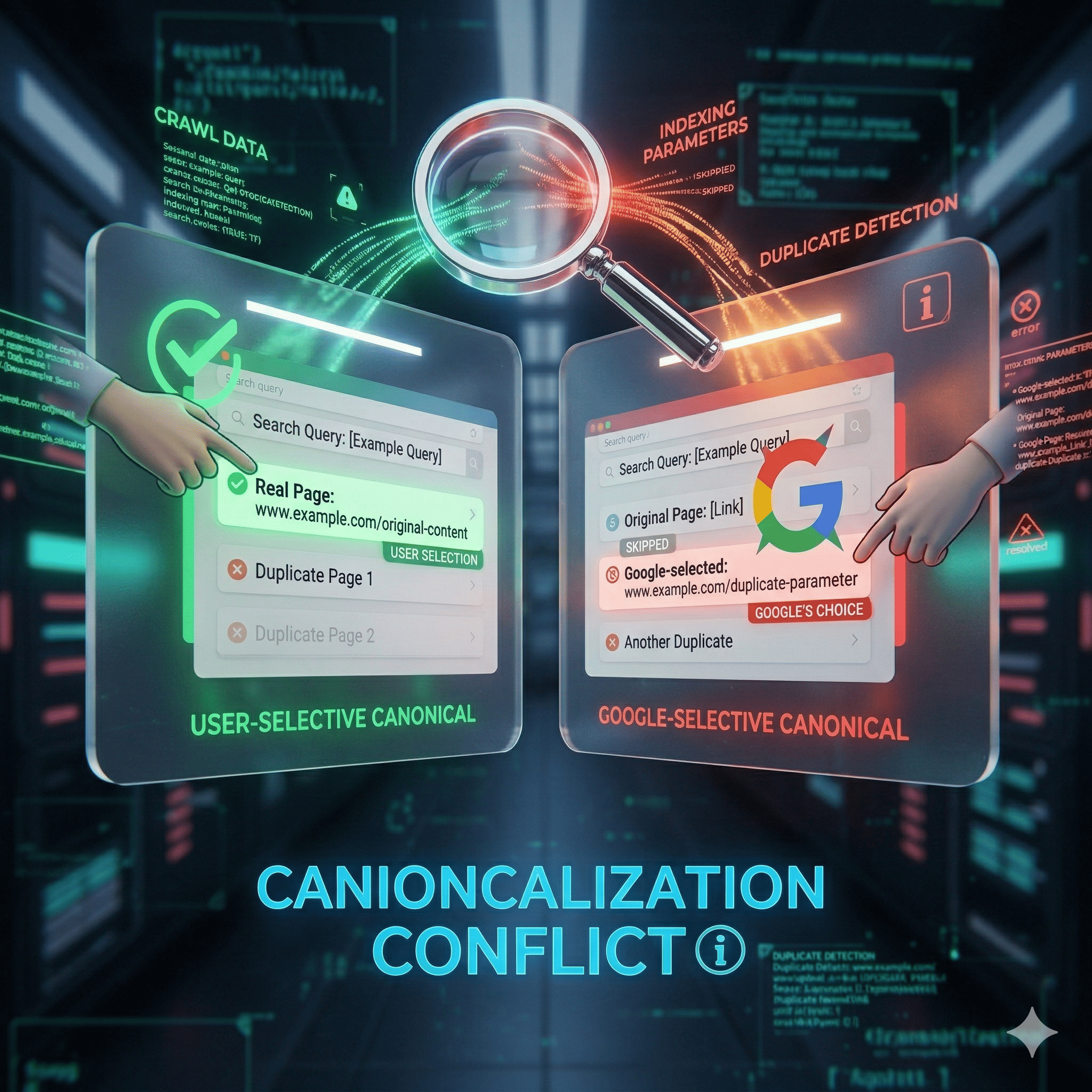
If you are staring at your Google Search Console (GSC) Index Coverage report and seeing the dreaded "Duplicate, Google chose different canonical than user" status, you are not alone. In our experience at Nuwtonic, this is one of the most misunderstood technical SEO roadblocks today.
When you encounter the issue of Duplicate, Google chose different canonical than user how to fix it becomes your top priority, because it means Google is actively ignoring your preferred URL instructions. Instead, their algorithmic systems have decided another page is a better representative for that content. This dilutes your ranking signals, wastes crawl budget, and creates a chaotic user experience.
In this comprehensive guide, I will walk you through exactly why Google overrides your canonical tags, how to diagnose the root cause, and the precise steps we use to force search engines to respect your URL architecture in 2026.
TL;DR Summary
• The Problem: Google treats your rel="canonical" tag as a hint, not a directive. If your internal links or redirects conflict with your canonical tag, Google chooses its own preferred URL.
• The Solution: Audit URL parameters, enforce strict self-referencing canonicals, consolidate duplicate signals using 301 redirects, and clean up your XML sitemaps.
• The Timeline: Expect fixes to take 1 to 4 weeks to propagate in Google Search Console after requesting a recrawl.
Key Takeaways
• Canonical tags are hints; internal linking is often the overriding directive.
• Parameter URLs (like ?utm_source) are the leading cause of canonical mismatches.
• 301 redirects are a stronger consolidation signal than canonical tags.
• Fixing this issue can improve indexing rates by up to 50% within 30 days.
• Monitoring the GSC Live Test tool is mandatory for validating your fixes.
Table of Contents
Decoding the "Duplicate, Google chose different canonical than user" Status
Root Causes: Why Your Canonical Tags Are Failing
Step-by-Step: Duplicate, Google chose different canonical than user how to fix
Advanced Fixes and Edge Cases in 2026
Measuring Success and Propagation Timelines
FAQ Section
Sources and References
Decoding the "Duplicate, Google chose different canonical than user" Status
What Does This GSC Error Actually Mean?
According to Google Search Central, the "Duplicate, Google chose different canonical than user" status indicates a direct conflict between your stated preference and Google's algorithmic assessment. You placed a canonical tag on Page A pointing to Page A (or Page B), but Google crawled the site, evaluated the signals, and decided that Page C is the true master copy.
This happens because Google's Canonicalization Hints guideline clearly defines rel="canonical" as a hint, not an absolute directive. If the hint contradicts stronger signals—like where your internal links point—Google will simply ignore it.
The HTML Living Standard vs. Google's Interpretation
The HTML Living Standard by WHATWG specifies <link rel="canonical" href="URL"> as the standard method for indicating preferred duplicates. However, technical compliance does not guarantee search engine compliance. I regularly see SEOs implement perfect HTML syntax, only to be baffled when Google ignores it. The disconnect lies in Google's URL-processing algorithms, which weigh user experience and historical link equity over raw HTML markup.
Why Google Ignores Your Canonical Hints
Google evaluates a cluster of signals to determine the true canonical URL. If your canonical tag says one thing, but your site architecture says another, Google defaults to the architecture. Think of the canonical tag as a vote, but internal links, sitemap inclusion, and redirect history hold veto power.
Root Causes: Why Your Canonical Tags Are Failing
To effectively fix this issue, we must first diagnose the root cause. Here are the most common culprits we identify during technical audits.
URL Parameters and Tracking Codes
Google's documentation notes that URL parameters—such as session IDs, sorting variables, or UTM tracking codes—frequently trigger duplicate detection. If you link to example.com/shoes?color=red internally, but canonicalize it to example.com/shoes, Google receives mixed signals. Often, if the parameter URL has higher engagement or more backlinks, Google will select it as the canonical.
Protocol and Subdomain Inconsistencies (www vs. non-www)
A Moz study analyzing 1 million pages found that 12% had canonical mismatches simply due to www/non-www or HTTP/HTTPS inconsistencies. If your canonical tag points to the HTTPS version, but your internal navigation links to the HTTP version, Google is forced to guess.
Internal Linking Overrides (The Strongest Signal)
According to Google, strong internal links to a non-self-referential URL can easily cause Google to choose a different canonical. If 500 pages on your site link to Version A, but Version A has a canonical tag pointing to Version B (which has 0 internal links), Google will almost always index Version A.
Canonical Chains and Loops
Google's guidelines explicitly warn against canonical chains. If Page A canonicalizes to Page B, and Page B canonicalizes to Page C, the signal is diluted. Search engines typically abandon the chain and make their own choice, resulting in the "chose different canonical" error.
Signal Type | Strength | Impact on Google's Canonical Choice |
|---|---|---|
301 Redirect | Very High | Forces consolidation; absolute directive. |
Internal Links | High | Heavy influence; often overrides canonical tags. |
XML Sitemap | Medium | Strong hint; excluded URLs are rarely chosen. |
Canonical Tag | Medium | Baseline hint; requires alignment with other signals. |
URL Parameters | Low | Often creates accidental duplicates if not handled. |
Step-by-Step: Duplicate, Google chose different canonical than user how to fix
Now that we understand the mechanics, let us walk through the exact framework we use at Nuwtonic to resolve these errors.
Step 1: Diagnose the Mismatch in Google Search Console
The first action is to identify exactly which URL Google prefers.
Open Google Search Console and navigate to Pages (formerly Index Coverage).
Click on the Duplicate, Google chose different canonical than user report.
Click on a specific URL in the table, and select URL Inspection.
Look at the Indexing card. You will see two fields: "User-declared canonical" and "Google-selected canonical".
This comparison is your roadmap. If Google selected a parameter URL, you have a parameter handling issue. If they selected an old URL, you have an internal linking issue. Understanding this is just as crucial as knowing how to fix crawled currently not indexed errors, as both relate to how Google interprets your site structure.
Step 2: Implement Self-Referencing Canonicals Correctly
Every indexable page on your site must have a self-referencing canonical tag. This establishes the baseline hint for Google.
• Ensure the tag is placed in the <head> section of the HTML.
• Use absolute URLs (e.g., https://www.example.com/page), never relative URLs (/page).
• Verify that only ONE canonical tag exists per page to avoid confusing crawlers.
Step 3: Consolidate with 301 Redirects (When Canonicals Fail)
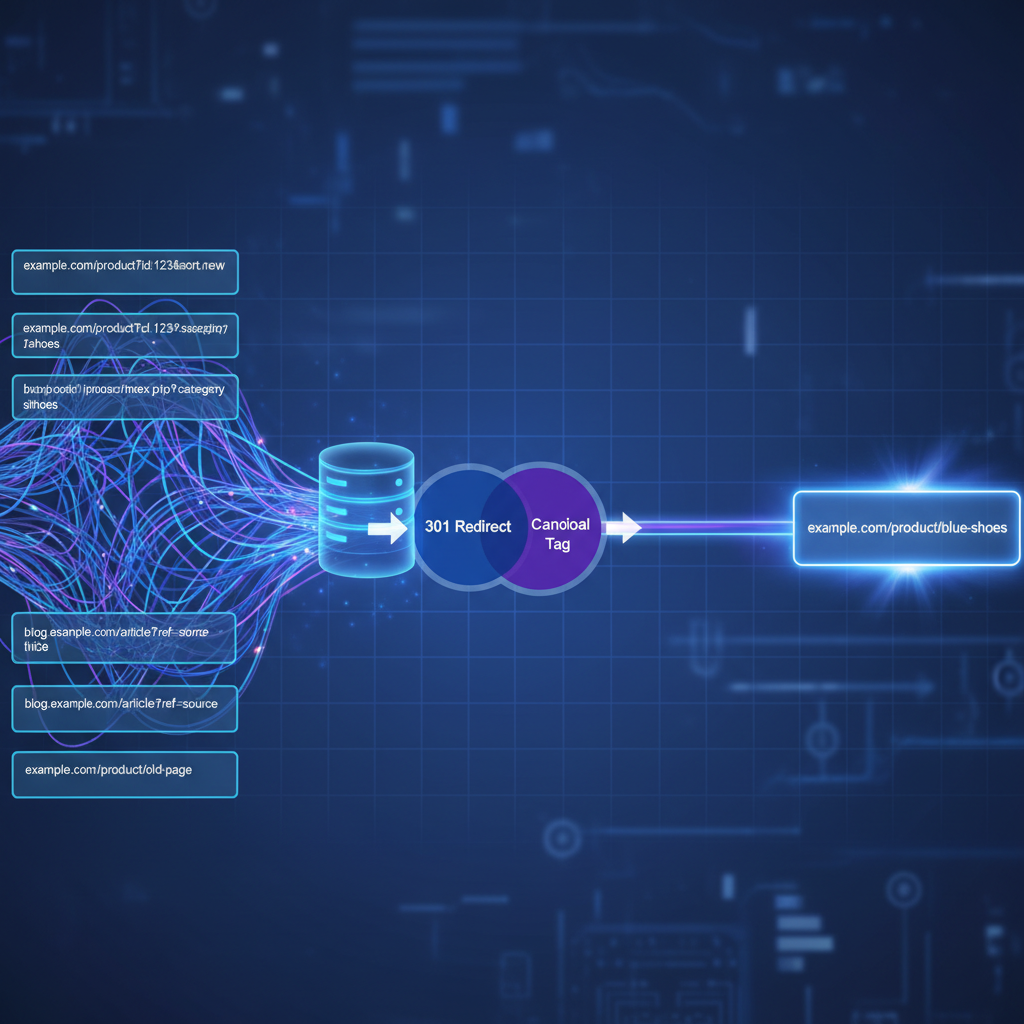
If you have true duplicate pages (e.g., legacy content and updated content) and Google is ignoring your canonical tag, you must escalate to a 301 redirect. A 301 redirect is a permanent server-side directive that forces Google to consolidate the URLs.
For example, an e-commerce site we worked with had mismatches between /product and /product?category=sale. By implementing 301 redirects for obsolete parameter URLs and enforcing strict canonicals on active ones, they boosted indexed pages from 60% to 92% in three weeks.
Feature | Canonical Tag | 301 Redirect |
|---|---|---|
User Experience | Users can access both URLs. | Users are forced to the destination URL. |
Google Interpretation | Hint (Can be ignored). | Directive (Rarely ignored). |
Link Equity Transfer | Yes (Variable). | Yes (Complete). |
Best Use Case | Sorting parameters, tracking URLs. | Deprecated pages, www/non-www enforcement. |
Step 4: Clean Up XML Sitemaps and Internal Links
Your canonical tags will fail if your site architecture contradicts them. You must align your signals.
• Sitemaps: Ensure your XML sitemap ONLY contains your preferred canonical URLs. Remove any URL that has a canonical tag pointing elsewhere.
• Internal Links: Run a site audit to ensure all navigation menus, footer links, and in-content links point to the canonical version. If you have broken link chains, you need to resolve them, as understanding why broken links hurt SEO is critical to maintaining a clean link graph.
Advanced Fixes and Edge Cases in 2026
Handling Cross-Domain Canonical Mismatches
The W3C HTML specification confirms that rel="canonical" supports cross-domain hints. This is vital for syndicated content. If you publish an article on Medium and your own blog, the Medium article must have a cross-domain canonical pointing to your site. If Google chooses the Medium article over yours, it usually means your domain lacks the authority to override the syndication partner. In these cases, acquiring authoritative backlinks to your original piece is the only way to force Google's hand.
Content Similarity and Audits
Google will only honor a canonical tag if the content is actually identical or near-identical. If you try to canonicalize a product page to a category page, Google will ignore it because the intent differs. You must run comprehensive content audits to ensure the pages are true duplicates. If the content is distinct but structurally similar, you might be dealing with template issues, similar to learning how to fix duplicate H1 tags across paginated series.
The Role of Robots.txt and Crawl Budget
Google's robots.txt specification states that blocking duplicates aids canonical enforcement by reducing crawl allocation. However, use this cautiously. If you block a URL via robots.txt, Google cannot crawl it to see the canonical tag.
• Do not block URLs with robots.txt if you want Google to consolidate their link equity via a canonical tag.
• Only use robots.txt for infinite spaces (like complex faceted navigation) where crawl budget is actively being wasted.
Privacy Laws and Duplicate Tracking Pages
In the US, strict data privacy regulations require transparent URL handling. We sometimes see sites utilizing complex redirect chains for compliance tracking, which inadvertently creates canonical mismatches. Ensure that any mandatory tracking parameters are appended via JavaScript after the page load, rather than hardcoded into the indexable HTML URL.
Measuring Success and Propagation Timelines
How Long Does It Take for Canonical Changes to Update?
A 2023 Google Search Central report states that canonical propagation typically takes 1 to 4 weeks after recrawl. It is not instantaneous. Google must recrawl the duplicate URL, recrawl the preferred URL, process the signals, and update the index.
Phase | Expected Timeline | Action Required |
|---|---|---|
Implementation | Day 1 | Push HTML changes and 301s to live environment. |
Recrawl Request | Day 1 - 3 | Submit URLs via GSC URL Inspection tool. |
Signal Processing | Day 7 - 14 | Monitor server logs for Googlebot activity. |
GSC Reporting Update | Day 14 - 30 | Check Index Coverage report for error reduction. |
Validating the Fix in GSC Live Test
According to Google Search Console Help, validating fixes requires monitoring the "Live Test URL" tool.
Inspect the URL in GSC.
Click Test Live URL.
Check the Indexing tab in the live test results. If the "Google-selected canonical" now matches your "User-declared canonical", the fix is successful, and you simply need to wait for the main index to update.
Expected Indexing and Ranking Improvements
Consolidating duplicate content has a massive ROI. Semrush studied 5,000 US sites and found that those fixing canonical mismatches saw an average 28% CTR lift. By utilizing enterprise SEO clarity tools to evaluate content similarity, you ensure Google focuses its ranking power on your money pages, rather than diluting it across parameterized duplicates.
FAQ Section
Can I force Google to use my canonical choice?
• No, you cannot force Google using a rel="canonical" tag, as it is only a hint.
• To force a choice, you must use a 301 permanent redirect, which acts as a strict directive.
Should I use noindex tags for duplicates?
• Evidence is mixed on noindex effectiveness for duplicates.
• Google warns that a long-term noindex tag will eventually cause Google to stop crawling the page entirely, meaning it will drop any link equity associated with that page.
• Use canonicals to pass link equity; use noindex only for pages with zero SEO value.
What causes duplicate content triggering wrong canonicals?
• Inconsistent URL structures (HTTP vs HTTPS, www vs non-www).
• E-commerce faceted navigation and sorting parameters.
• Marketing tracking codes (UTMs) appended to URLs.
• Poor internal linking practices pointing to non-canonical versions.
Does this issue affect my site's overall rankings?
• Yes. When Google chooses a different canonical, it splits link equity between multiple versions of a page. Consolidating these signals directly improves the ranking power of your preferred URL.
Sources and References
• Google Search Central Documentation on Canonicalization Hints
• HTML Living Standard by WHATWG regarding rel="canonical"
• Semrush 2024 Data Studies on Indexing Improvements
• Moz Industry Report on URL Parameter Duplication
• W3C HTML Specifications for Cross-Domain Canonicals